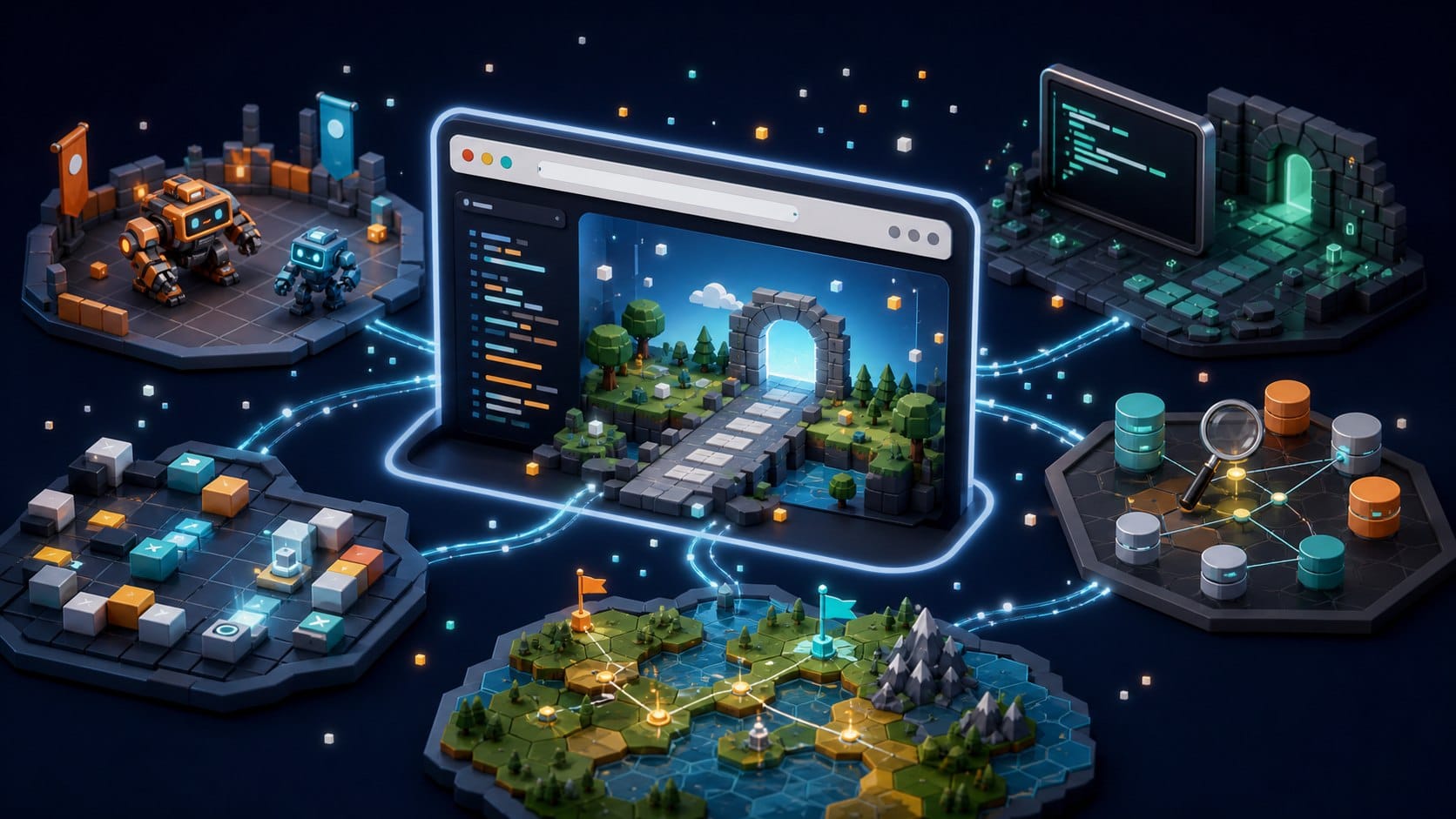
Online coding games remove the setup barrier. Open a browser, write code, press run and watch the game respond. That makes them ideal for trying a new language, practicing during a break or introducing coding to someone who is not ready to install tools.
## Why online coding games work
The browser is a surprisingly good classroom for programming games. It can show animation, run editors, save progress and connect players to leaderboards or multiplayer arenas. More importantly, it shortens the distance between curiosity and action. A beginner can start with a small challenge instead of spending the first hour configuring an environment.
Online does not mean shallow. Some browser games are five-minute CSS lessons. Others, like Screeps or API games, become long-running systems that reward serious engineering habits.
## Best online coding games
Solve puzzles and fight other players’ bots in real-time arenas. Write in 25+ languages and watch your code play out as an animated game.
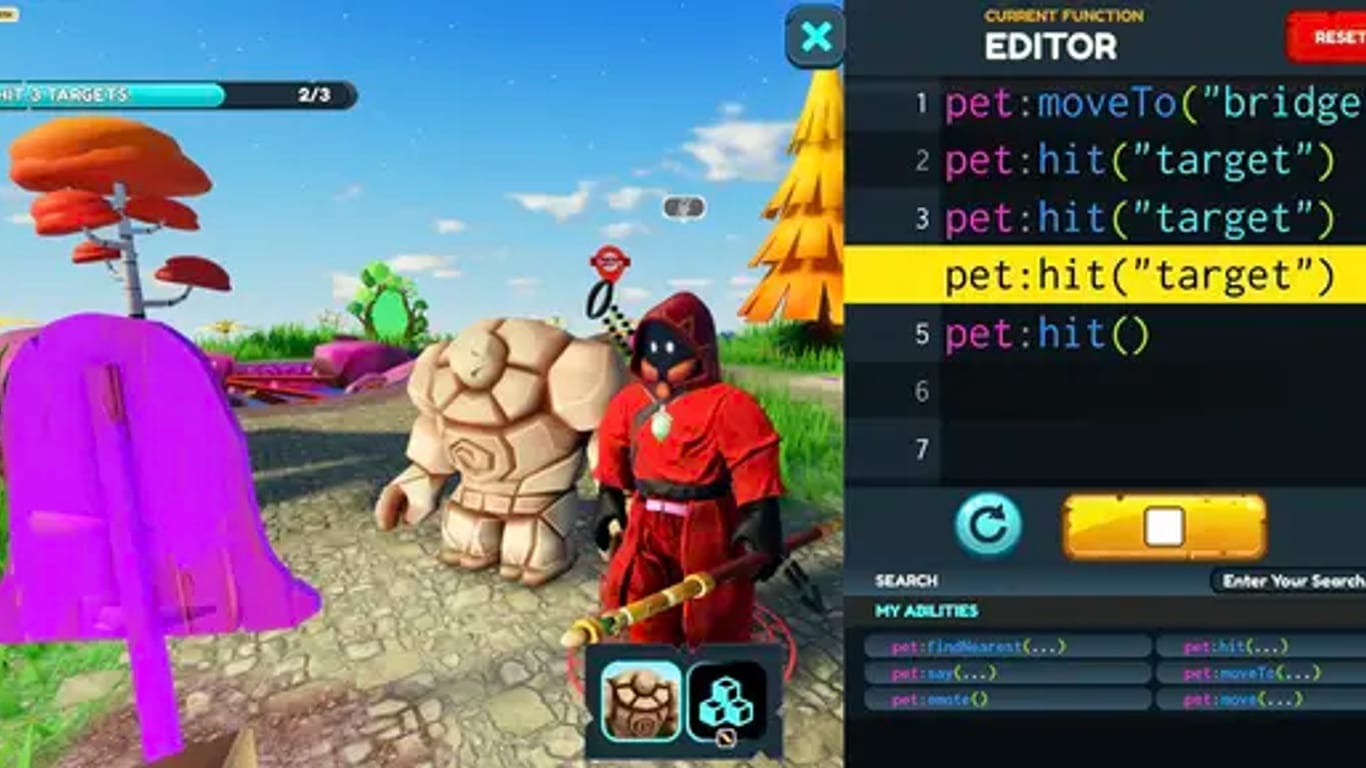
Learn Python or JavaScript by playing a top-down RPG where every move is a line of code you write.
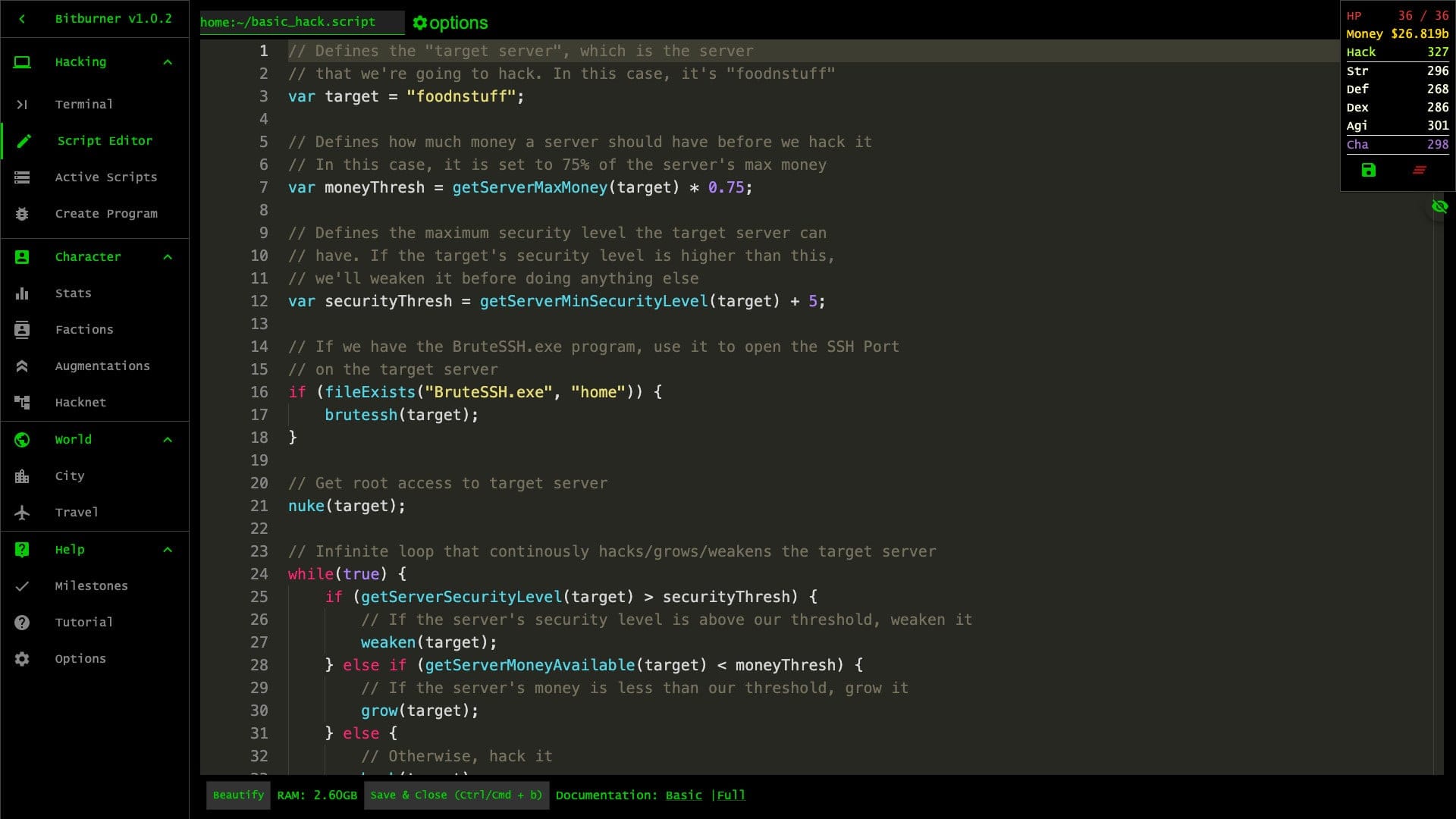
A programming-based incremental: script your way through a cyberpunk net, automate hacking with a NetScript API, and break the simulation.
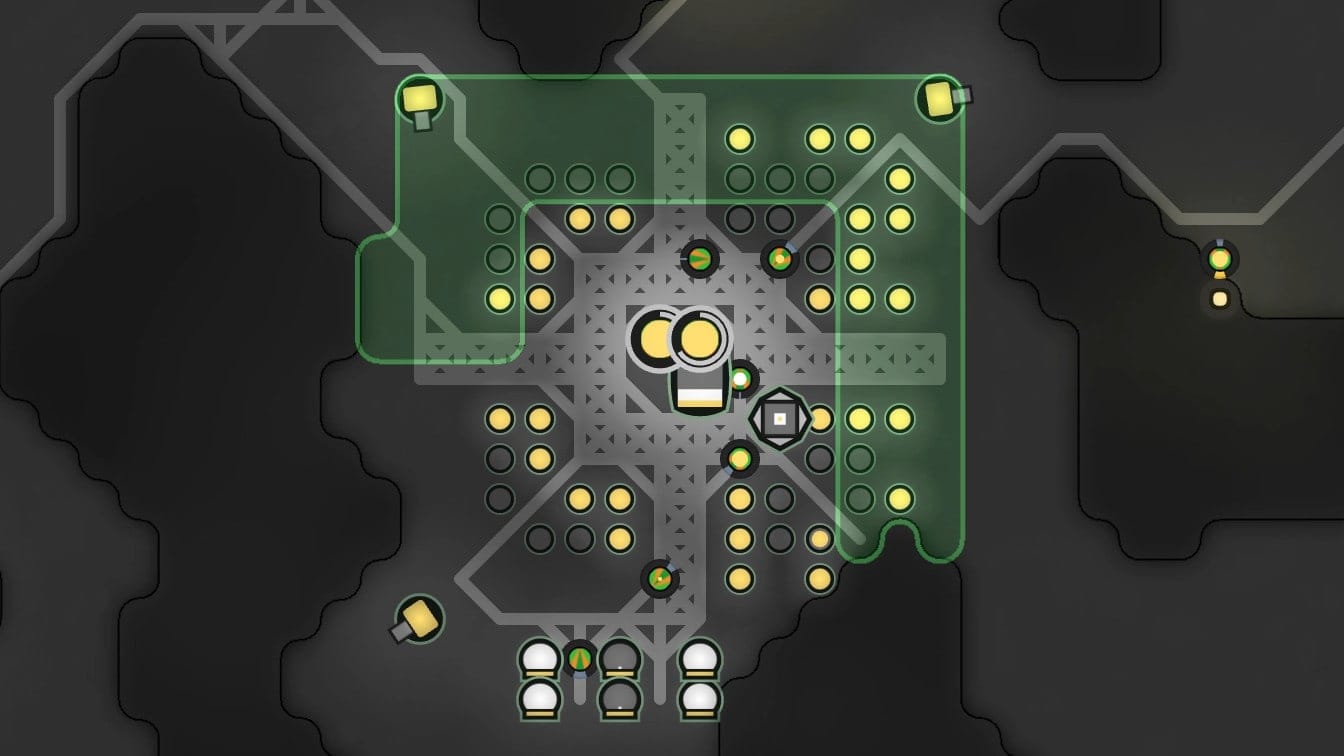
An open-source MMO RTS where your units are driven by JavaScript you write — and the world keeps running 24/7, even while you sleep.
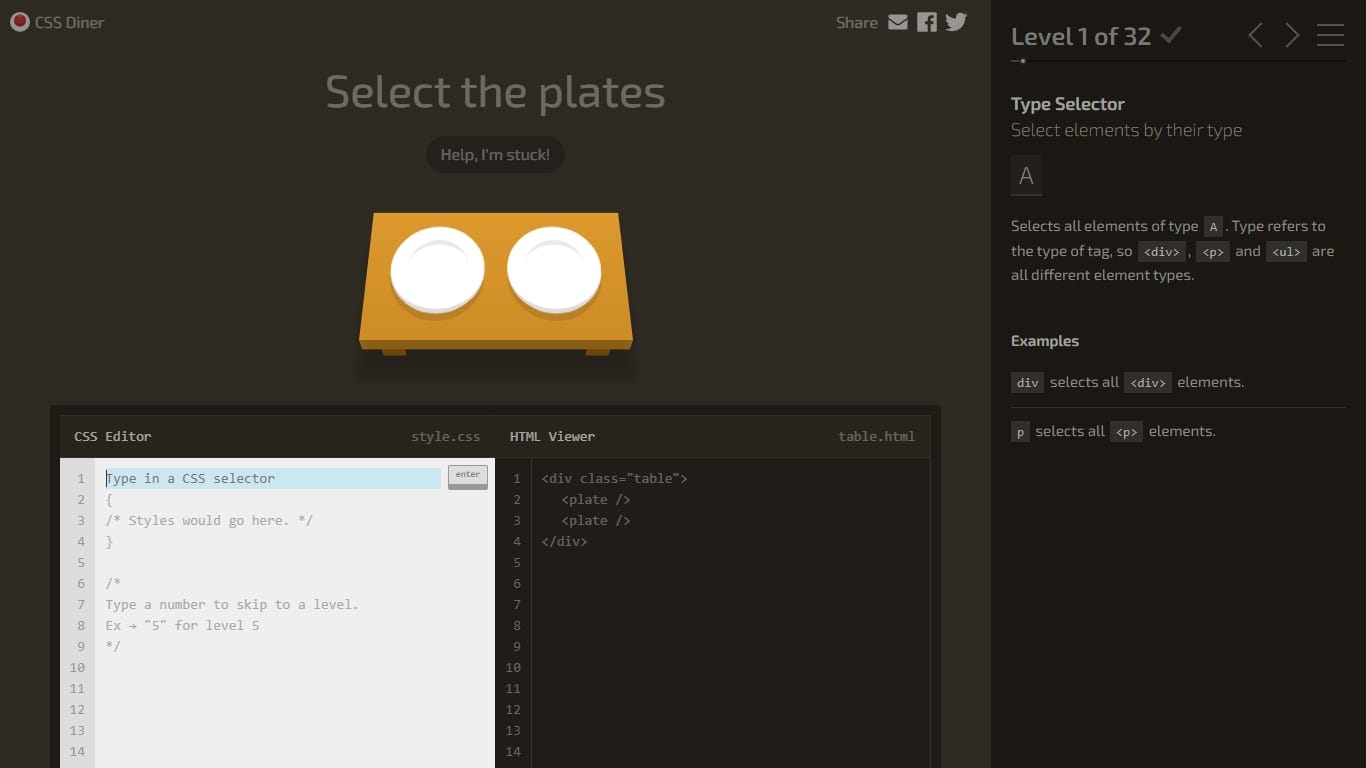
Learn CSS selectors by writing them to grab the right plates, bento boxes and sushi off a restaurant table.

Solve a murder by querying a city’s database — interrogate tables, follow leads and write the JOIN that names the killer.
CodinGame is the broadest online option: puzzles, contests and many languages. CodeCombat is better for beginners who want code to control an adventure character. Bitburner runs in the browser and turns JavaScript into automation. Screeps is online in a deeper sense: your code lives in a persistent world. CSS Diner and SQL Murder Mystery are compact, focused browser games that teach one skill quickly.
## Choose by session length
- →Five minutes: CSS Diner, Flexbox Froggy or a simple CodinGame puzzle.
- →Twenty minutes: SQL Murder Mystery, CheckiO or CodeCombat.
- →One hour: Bitburner scripts, CodinGame bot battles or Battlesnake.
- →Long-term: Screeps, SpaceTraders or Artifacts MMO.
Session length matters because online coding games vary wildly in commitment. A quick CSS game should be completed while the idea is fresh. A persistent world should be treated like a project, with notes, versions and small goals.
## What to watch out for
The biggest risk with online coding games is confusing convenience with mastery. A browser editor can help you start, but you still need to understand the code. After a game teaches the idea, move it into your own environment when possible. Rebuild the layout, rewrite the script, or create a tiny version without the game holding your hand.
That transfer step is where online practice becomes real skill. The game gives momentum; your own project proves the concept stuck.
Also pay attention to accounts, saving and community features. A quick puzzle should not require a complicated setup, while a long-term world should give you stable progress, readable documentation and a way to inspect what your code did while you were away. Online convenience is most valuable when it removes friction without hiding the important details.
For classrooms and teams, browser-based games have another advantage: everyone starts from the same environment. That makes it easier to compare solutions, discuss edge cases and focus the conversation on the program instead of local installation problems.