Coding games can work beautifully in a classroom, but only when they are treated as lessons rather than digital recess. The goal is not “let students play.” The goal is to use play as a visible feedback loop for sequencing, loops, conditions, debugging and explanation.
## The pedagogy: play, predict, explain
A strong classroom coding lesson has three phases. First, students predict what their program should do. Second, they run it and watch the result. Third, they explain the gap between intention and behavior. That cycle is more valuable than finishing levels quickly, because it turns debugging into reasoning instead of punishment.
Teachers should avoid making the game the whole lesson. The game supplies immediate feedback, but the teacher supplies language: sequence, loop, condition, event, variable, state, input, output. Students need words for what they are discovering so the idea can transfer beyond the screen.
## Best coding games for classrooms
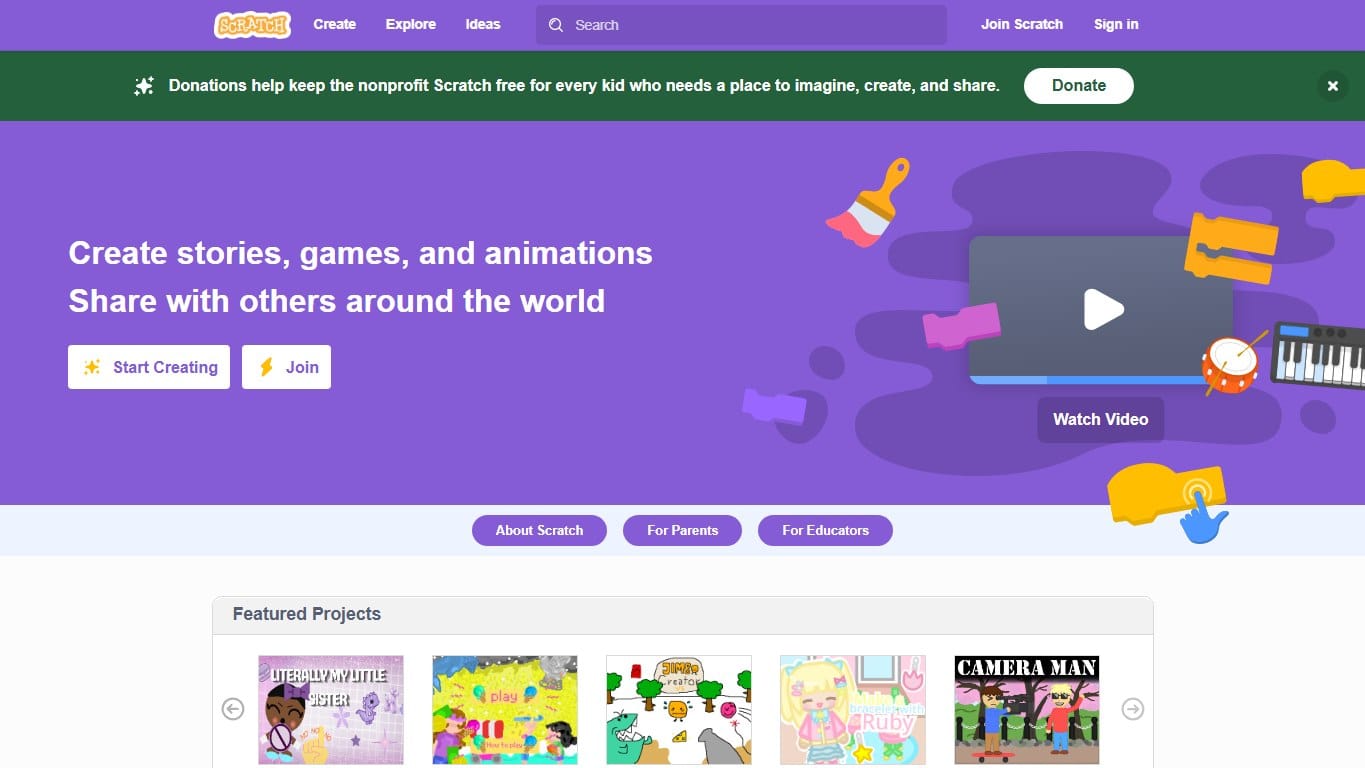
The classic block-based creative coding platform where kids build games, stories and animations by snapping instructions together.
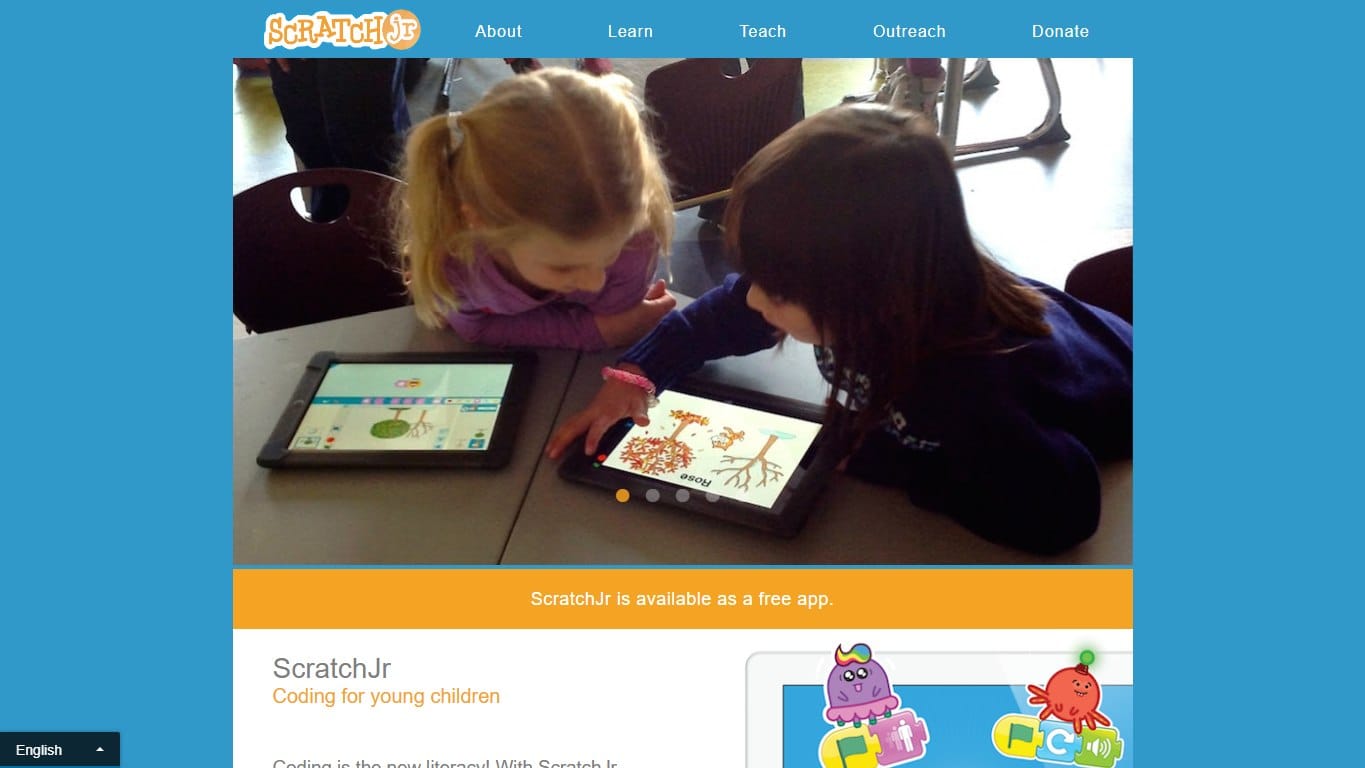
A gentler Scratch-style app for young children, focused on sequencing, characters, pages and playful early coding.
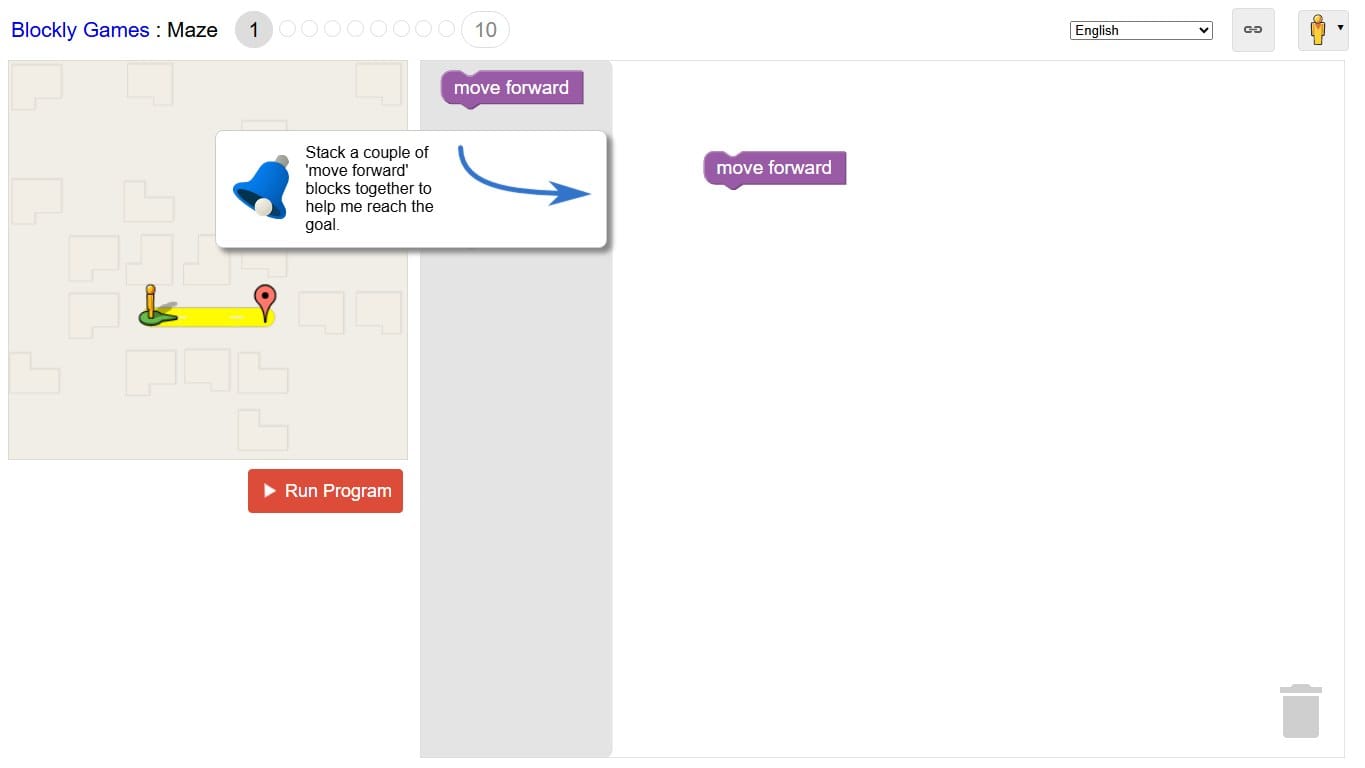
A free set of browser puzzles that introduce programming concepts through blocks before revealing the JavaScript underneath.
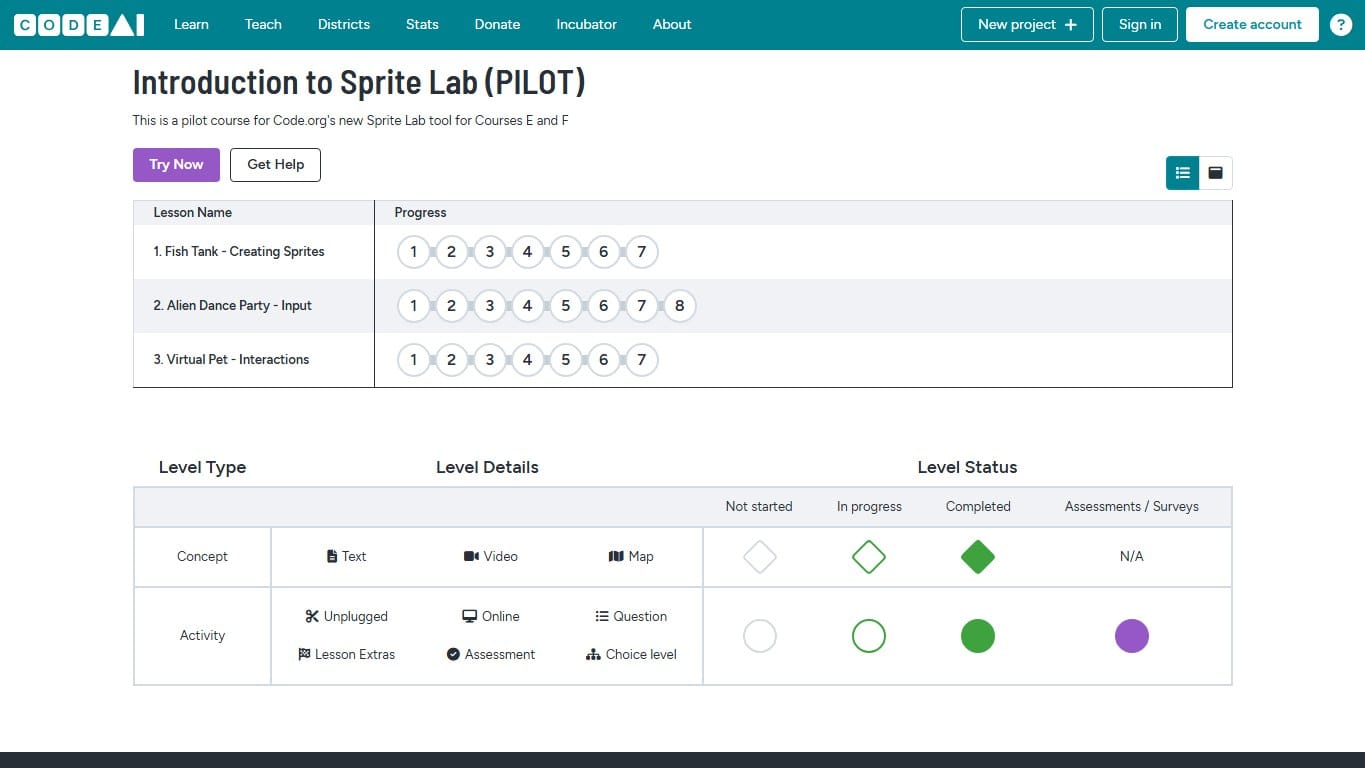
A beginner-friendly Code.org lab for creating sprite scenes, animations and simple interactive games with blocks.
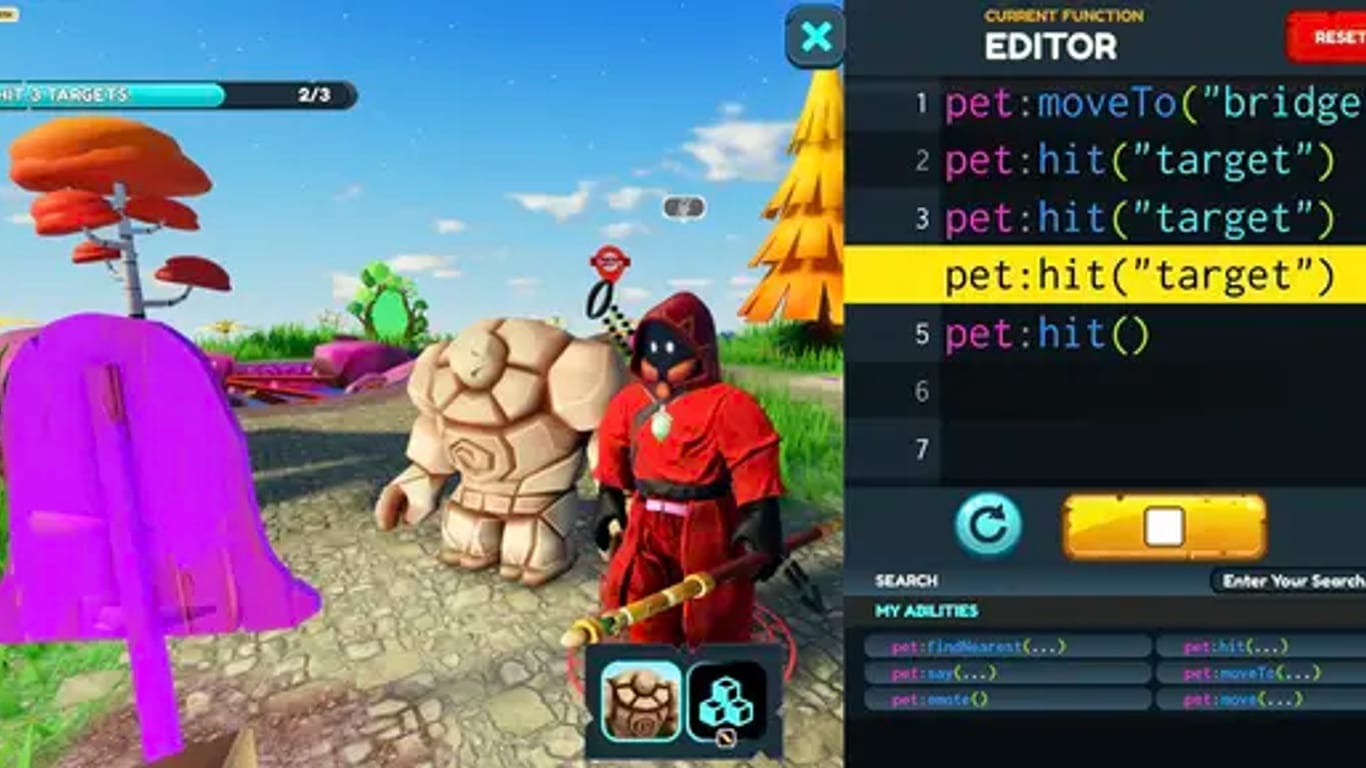
Learn Python or JavaScript by playing a top-down RPG where every move is a line of code you write.
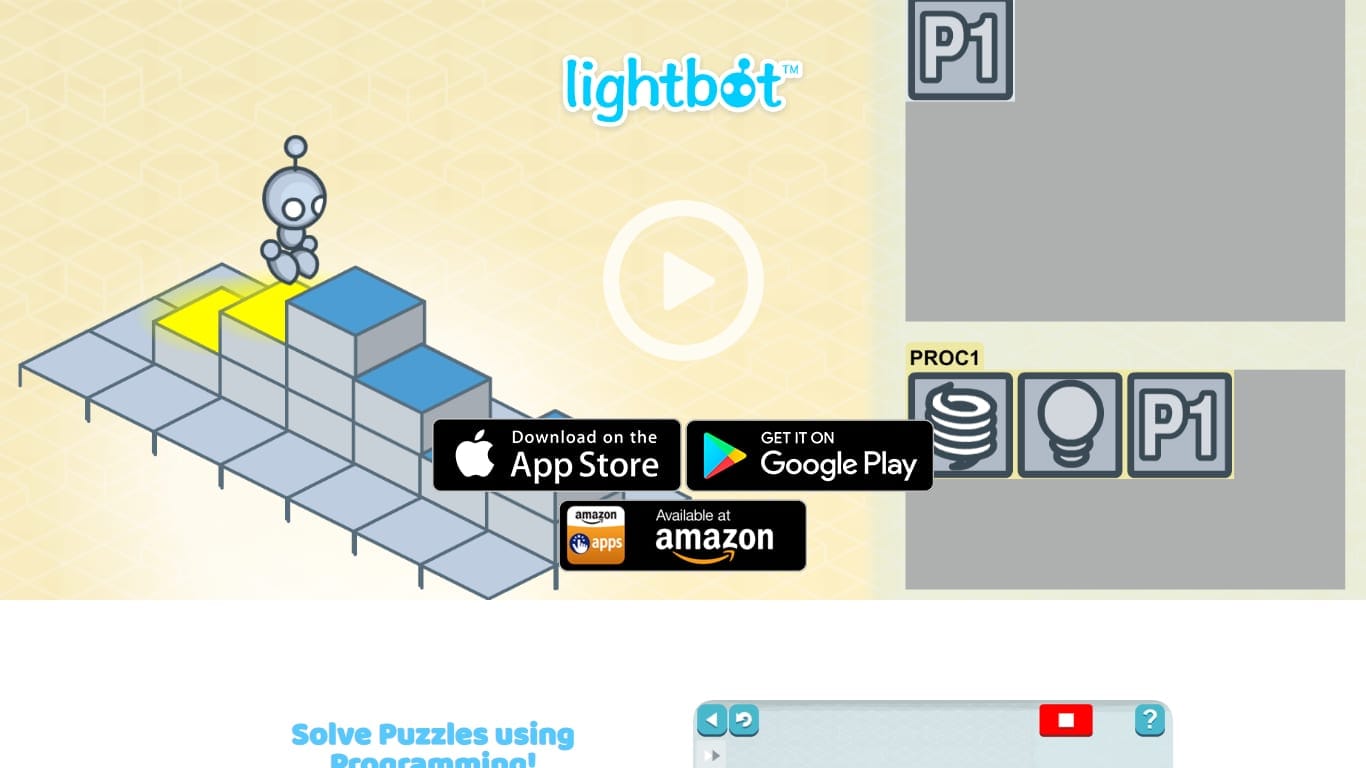
Sequence simple commands and procedures to light up tiles. The friendliest possible introduction to programming logic.
Scratch is the strongest classroom platform when students are ready to create projects, remix ideas and share work. ScratchJr fits younger learners because the interface is simpler and the goals are closer to sequencing and storytelling. Blockly Games and Lightbot are better for short, focused logic lessons. Code.org Sprite Lab works well when the class needs a guided environment for sprites, events and simple interaction. CodeCombat is useful later, when typed Python or JavaScript becomes the lesson.
## A 45-minute lesson structure
- →5 minutes: introduce one concept and show a tiny example.
- →8 minutes: students predict what a short program will do before running it.
- →15 minutes: students solve or build in pairs, with one driver and one explainer.
- →7 minutes: pause for debugging talk; ask what failed and why.
- →7 minutes: students improve one solution, not start five new ones.
- →3 minutes: exit ticket: write the concept in plain English.
The pause in the middle matters. Without it, fast students race ahead and stuck students quietly click around. A structured pause lets the room compare strategies: who used a loop, who repeated commands, who changed a variable, who solved the wrong problem first and learned from it.
## Choose by age and objective
For early elementary students, focus on sequence, events and storytelling. ScratchJr, Lightbot and simple Sprite Lab activities are enough. For upper elementary and middle school, Scratch, Blockly Games and Code.org can introduce loops, conditions and variables through small projects. For high school, CodeCombat, MakeCode Arcade, CodinGame and beginner JavaScript or Python games can connect playful logic to real syntax.
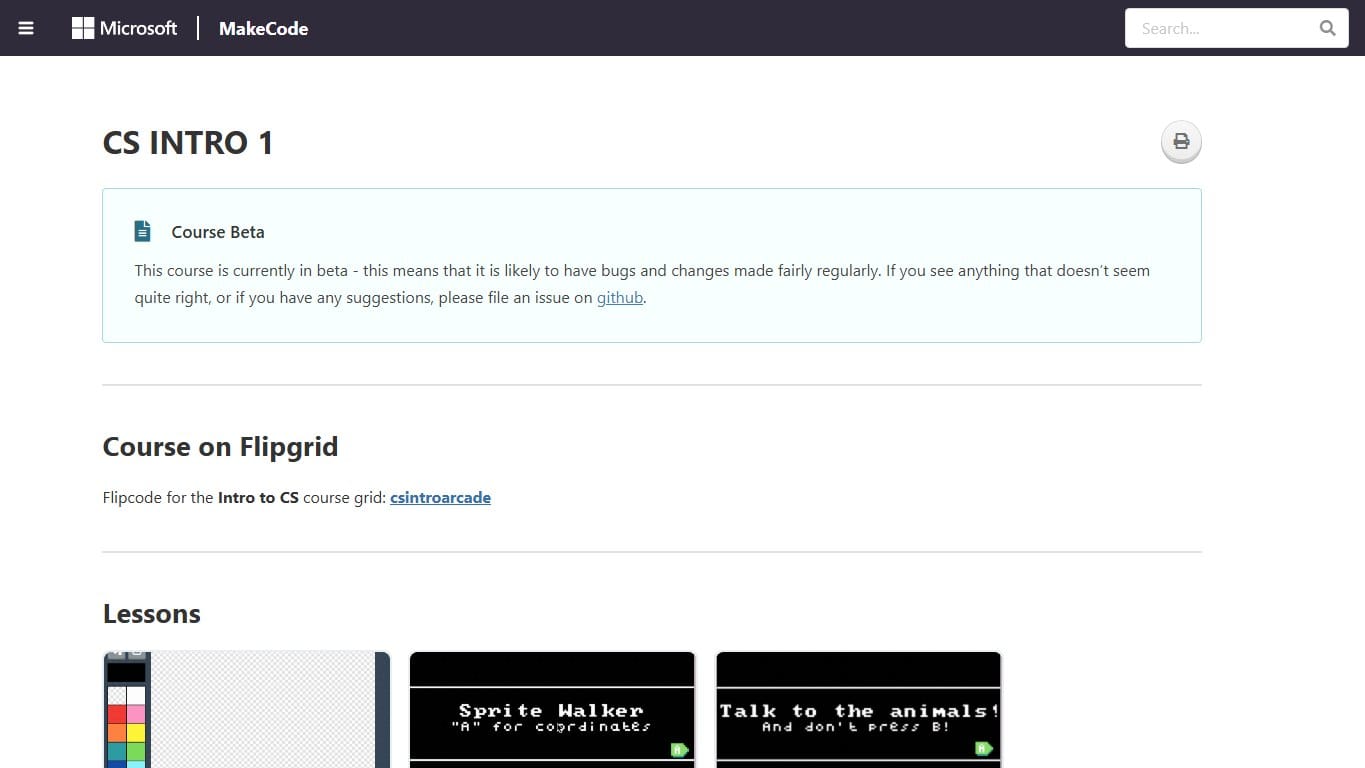
Build retro arcade games with blocks or JavaScript, then play them in the browser or on tiny handheld hardware.
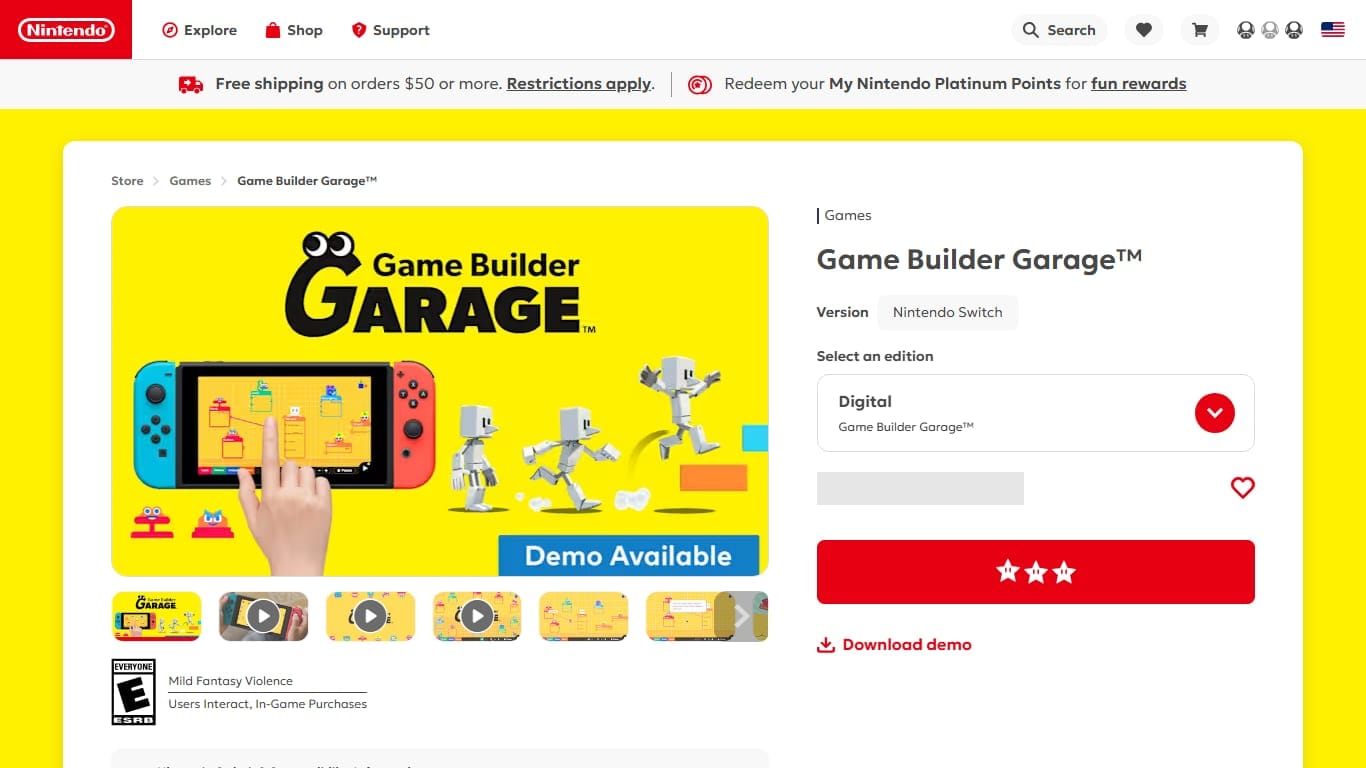
Nintendo’s visual programming game: connect quirky creatures called Nodon to build real games from logic and wires.
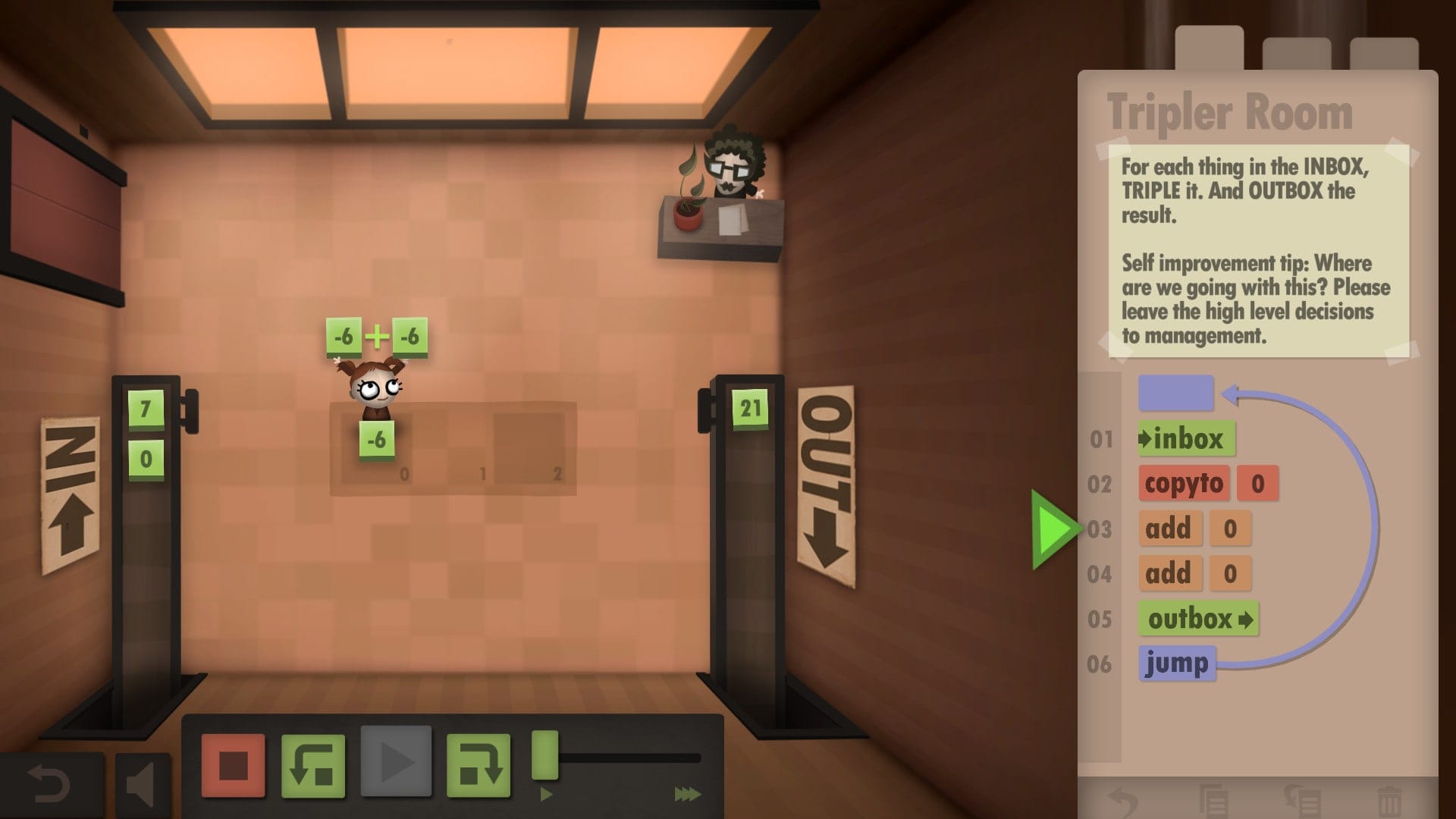
Drag visual instructions to automate your white-collar job. A gentle, beautifully made intro to assembly thinking — no syntax required.
Solve puzzles and fight other players’ bots in real-time arenas. Write in 25+ languages and watch your code play out as an animated game.
The choice should follow the learning objective, not the novelty of the tool. If the objective is loops, pick a game where repetition is visible. If the objective is events, pick sprites or arcade controls. If the objective is debugging, pick a challenge where a wrong solution fails clearly and students can describe the failure.
## Questions that make the lesson deeper
- →What did you expect the program to do?
- →What did it actually do?
- →Which instruction caused the difference?
- →Where could a loop replace repeated steps?
- →What condition should the program check before acting?
- →How would you explain this solution to someone who cannot see your screen?
These questions slow the room down in a good way. They move students from trial-and-error clicking toward computational thinking. A classroom coding game is successful when students can talk about their program, not only when the screen says they passed.
## Assessment without killing the fun
Do not grade only completed levels. Grade explanation, iteration and clarity. A student who writes a simple program, notices the bug and explains a fix may have learned more than a student who copies a perfect solution. Useful evidence includes a screenshot, a short reflection, a before-and-after program, or a one-minute pair explanation.