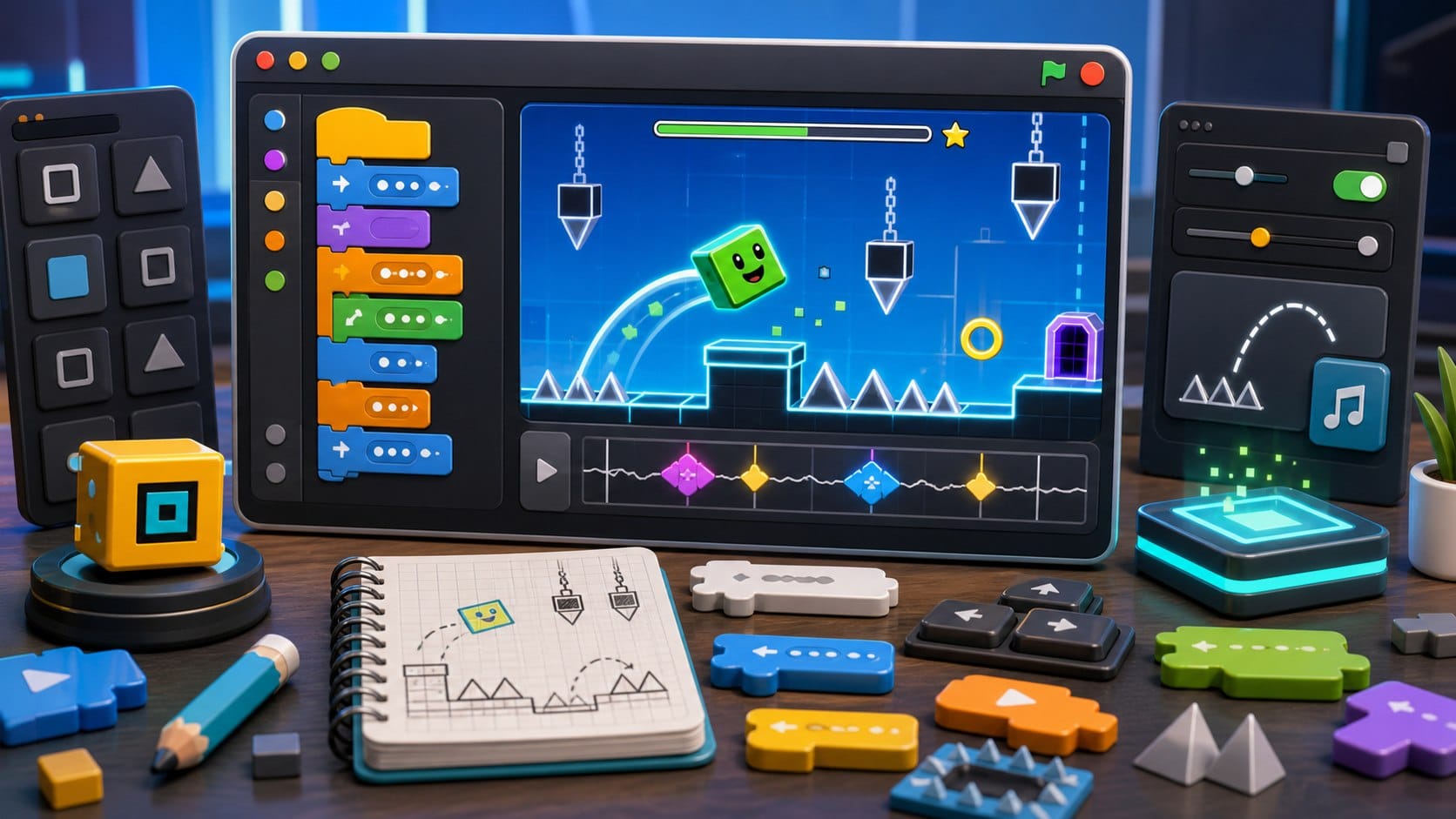
“Geometry Dash Scratch” is one of the most common beginner project ideas because it combines instant action with simple rules: a cube moves forward, the player jumps, obstacles punish bad timing, and the level restarts. That makes it a perfect Scratch lesson if you build the mechanics step by step.
## What Geometry Dash is, and what you should build
Geometry Dash is a rhythm-based action platformer created by RobTop Games. The original game is about timing jumps, flying through danger and surviving levels filled with spikes and hazards. In Scratch, beginners should not try to copy the full commercial game. The better goal is a Geometry Dash-inspired project that teaches scrolling, jumping, collision and level design with original art and sounds.
That distinction matters. A good Scratch project can borrow the learning pattern without copying assets: one-button control, automatic movement, repeated attempts and obstacles synced loosely to a beat. The point is to learn how the system works.
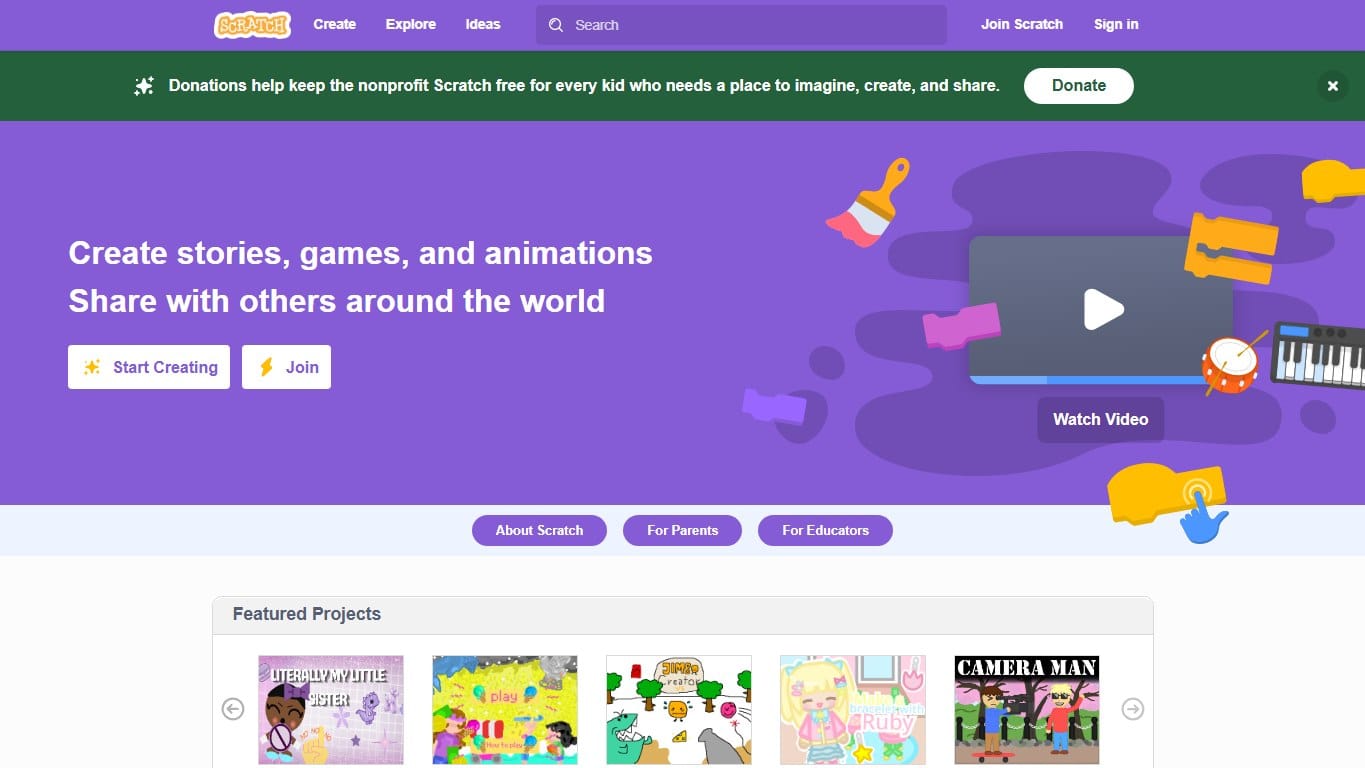
The classic block-based creative coding platform where kids build games, stories and animations by snapping instructions together.
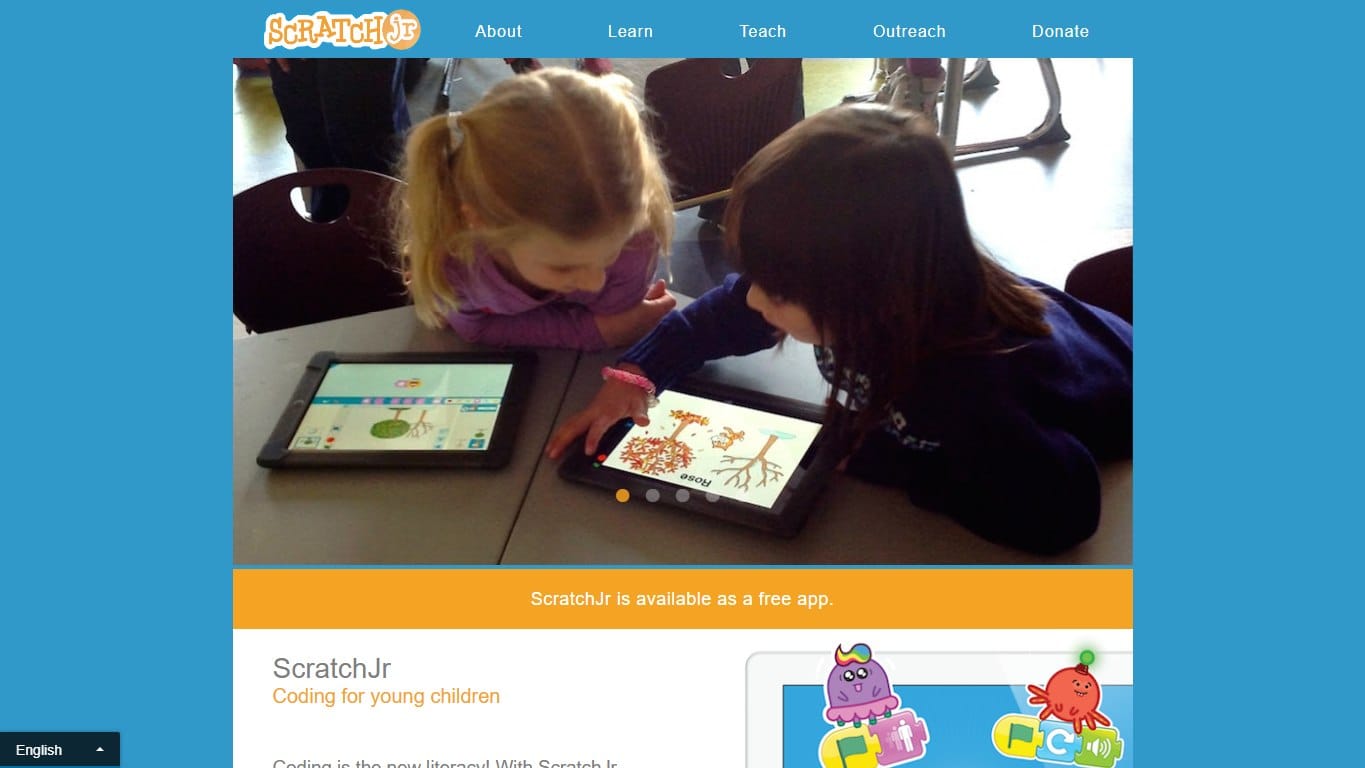
A gentler Scratch-style app for young children, focused on sequencing, characters, pages and playful early coding.
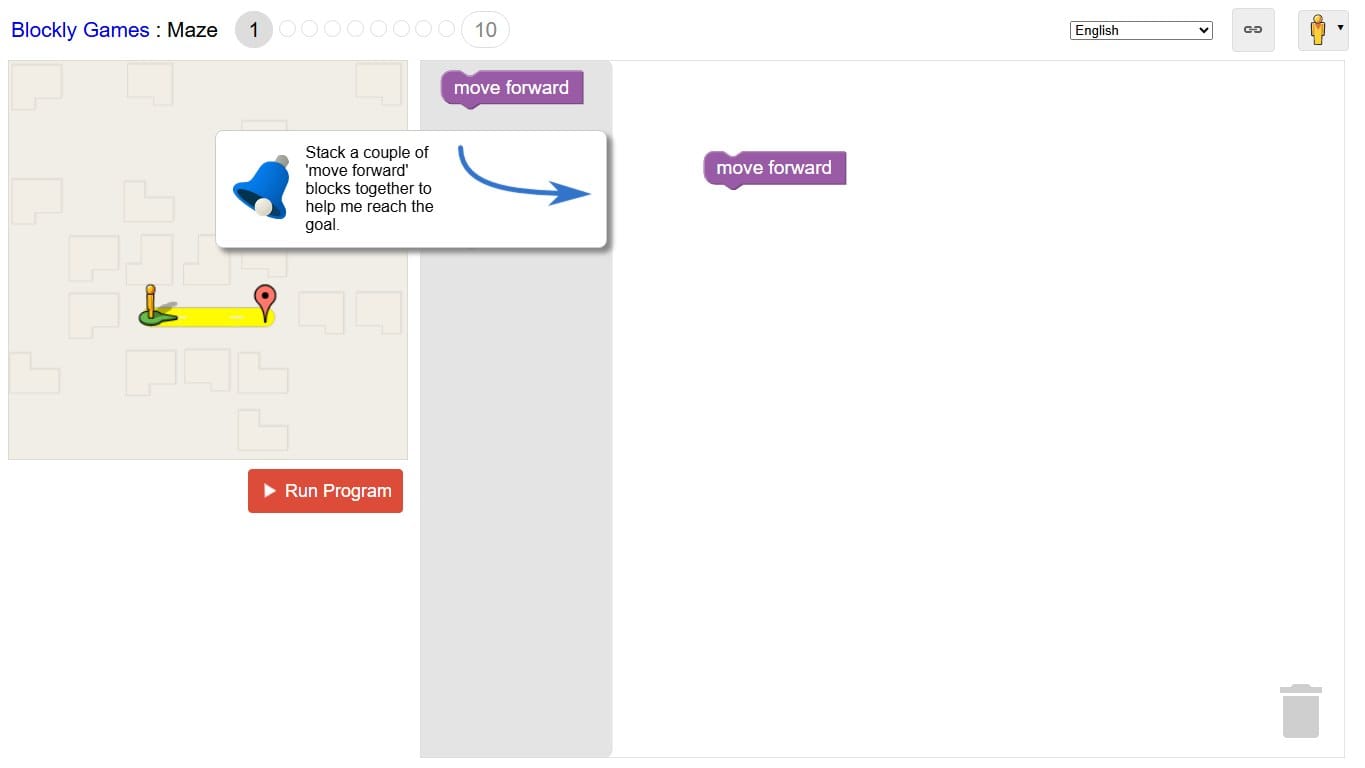
A free set of browser puzzles that introduce programming concepts through blocks before revealing the JavaScript underneath.
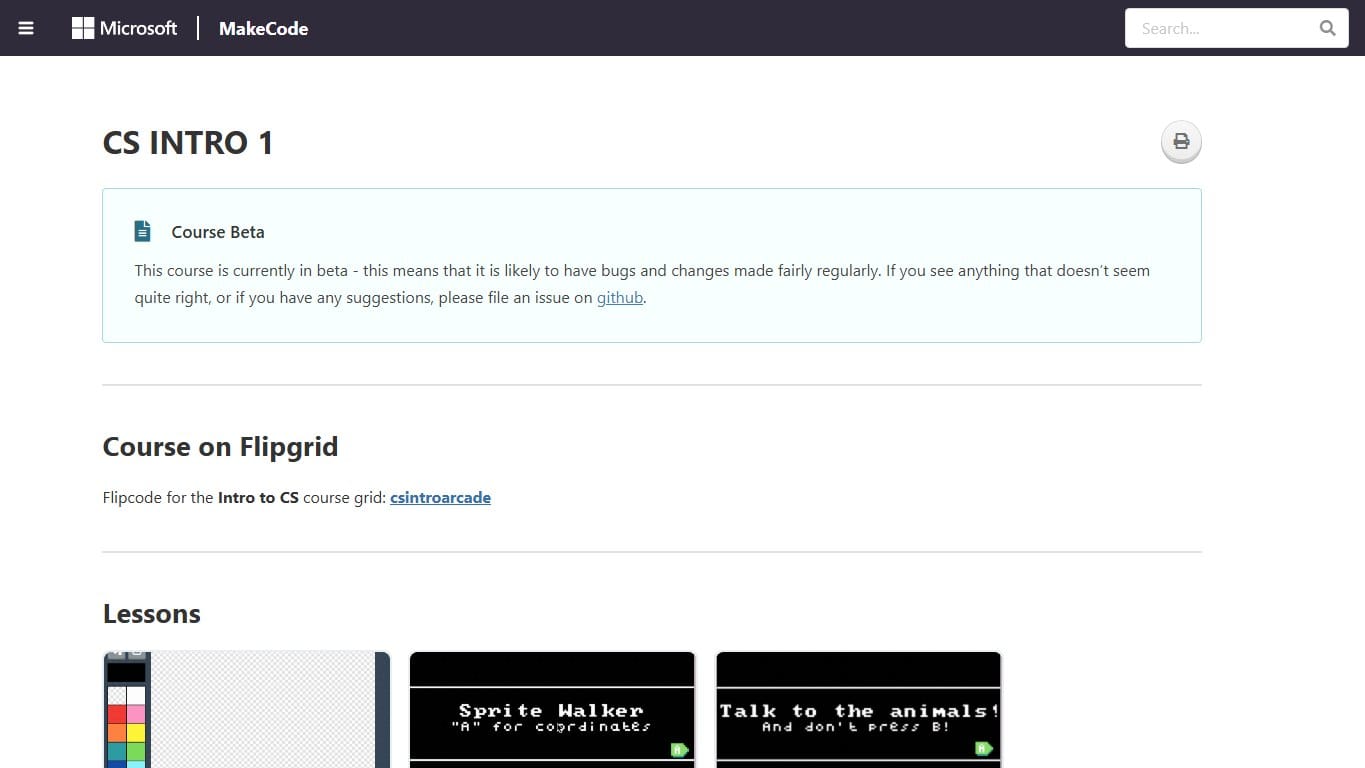
Build retro arcade games with blocks or JavaScript, then play them in the browser or on tiny handheld hardware.
## The core mechanics beginners need
- →A player sprite, usually a square or cube.
- →Gravity that pulls the player down.
- →A jump that only works when the player is touching the ground.
- →Scrolling ground or moving obstacles to create forward motion.
- →Collision checks for spikes, blocks and the finish line.
- →A restart rule when the player touches a hazard.
Beginners often try to build the whole level first. That usually becomes confusing. Build one mechanic at a time: first a cube that falls and lands, then a jump, then one moving spike, then collision, then scoring or progress.
## A simple Scratch logic plan
Scratch uses blocks rather than typed code, but the logic still has a clear program shape. You need variables for vertical speed and game state, plus forever loops that update movement and collision. This pseudo-code mirrors the block structure a beginner can build.
when green flag clicked
set ySpeed to 0
set alive to true
forever
  change ySpeed by -1
  change y by ySpeed
  if touching ground then
    set ySpeed to 0
    if space key pressed then set ySpeed to 14
  end
  if touching spike then
    set alive to false
    go to start position
  end
end
The important idea is state. The player is not “jumping” because of one block; jumping is the result of vertical speed, gravity, ground detection and keyboard input working together. Once students understand that, Scratch becomes much more than drag-and-drop.
## How to fake scrolling in Scratch
In many Scratch platformers, the player stays near the same x-position while the world moves left. That is easier than moving the camera. Give each obstacle a starting x-position, move it left every frame, and reset or hide it when it goes off-screen. This creates the feeling that the cube is running forward.
For a first version, do not build a full level editor. Make three or four obstacle sprites, each with its own starting position. Later, students can store obstacle positions in lists or clone sprites from a pattern. That is where the project becomes a real programming lesson: data controls the level instead of hand-placing every object forever.
## Common beginner mistakes
- →Jumping in mid-air because the space key is checked without a ground condition.
- →The player sinking through the ground because gravity changes position too much at once.
- →Obstacles moving too fast before collision is reliable.
- →One giant script controlling everything, making bugs hard to find.
- →Using copyrighted art or music instead of original Scratch-friendly assets.
The fix is to keep the first version small. One cube, one ground sprite, one spike, one restart rule. When that feels solid, add animation, music, a progress bar, costumes, more obstacles and better level pacing.
## Why this is a good beginner project
A Geometry Dash-style Scratch project teaches more than a flashy clone. It teaches coordinate movement, variables, loops, conditions, collision, timing and iteration. It also teaches fairness: if the level is impossible to read, the player is not failing; the designer needs to improve the pattern.
For a classroom or self-study lesson, the best final task is not “make the hardest level.” It is “make a level another beginner can beat after practice.” That pushes students to test, observe, adjust spacing and explain their design choices.