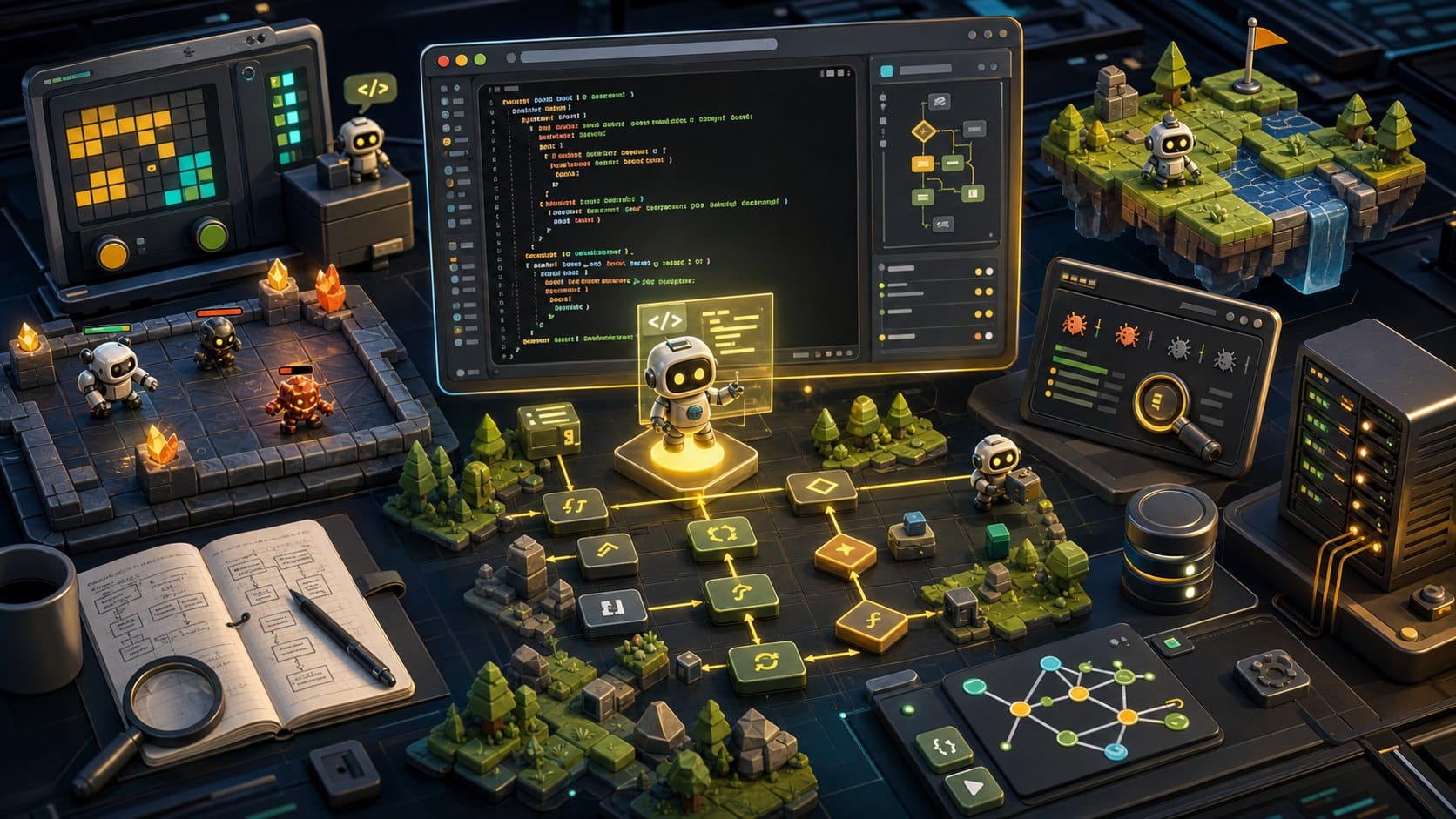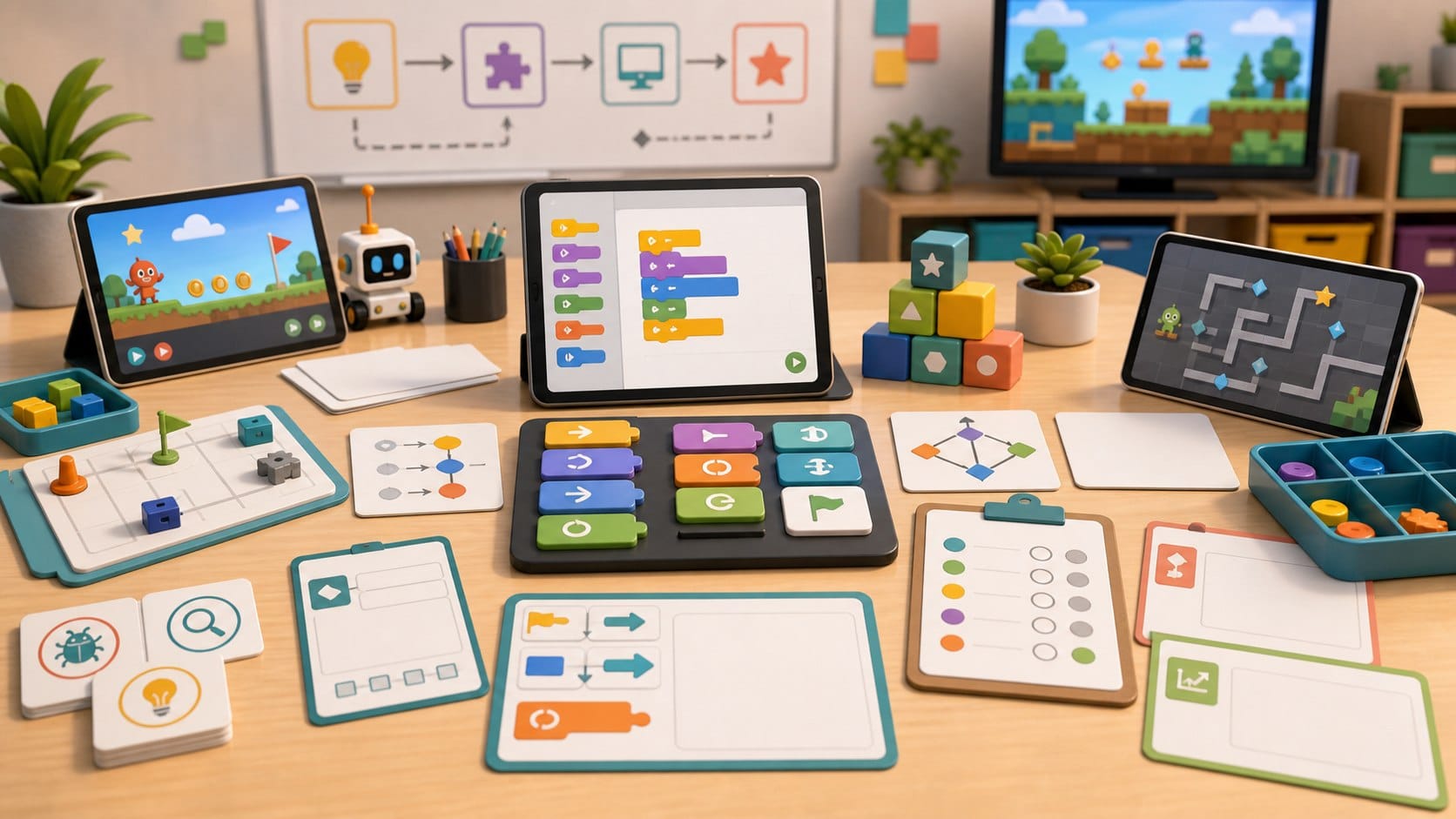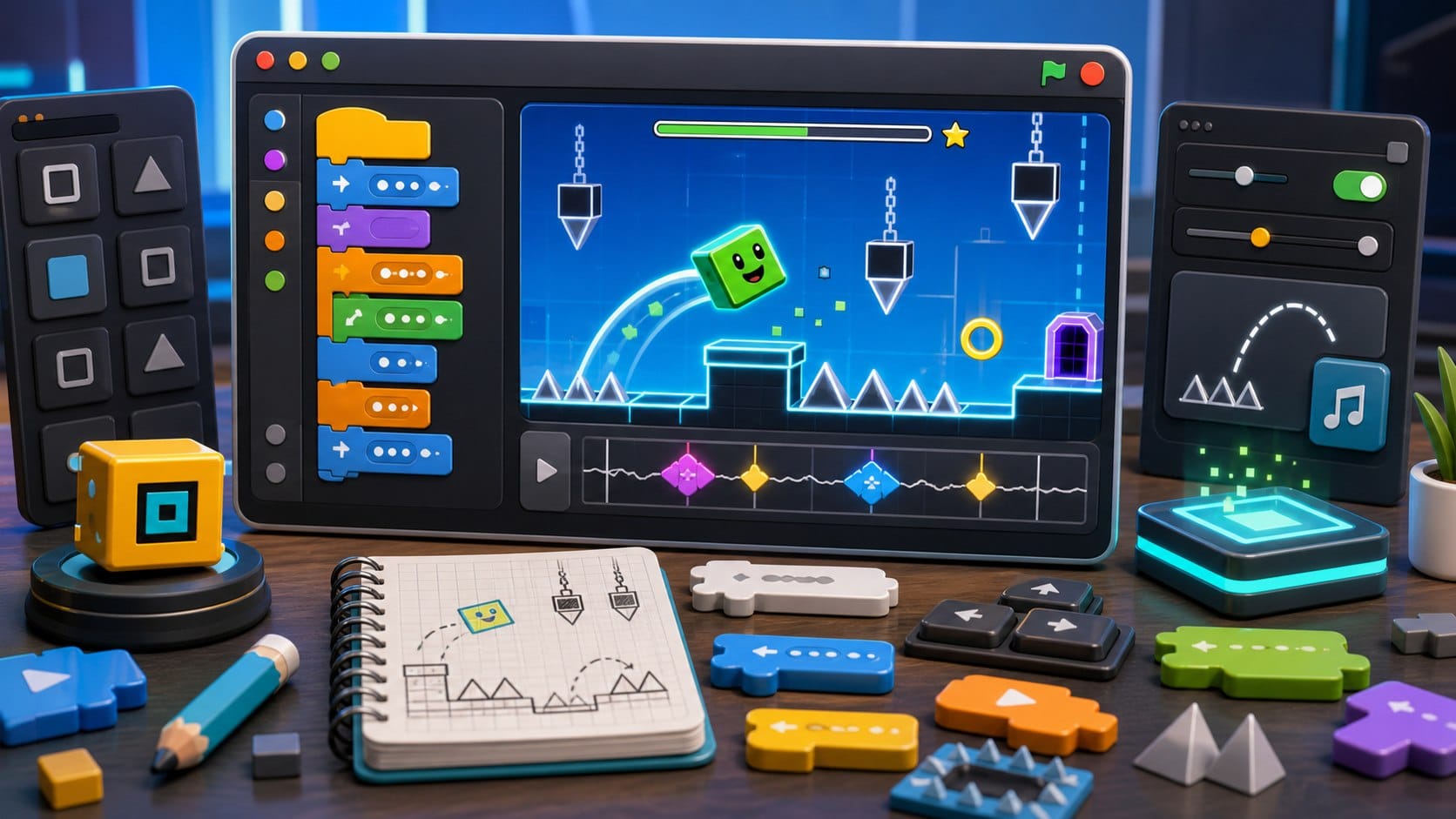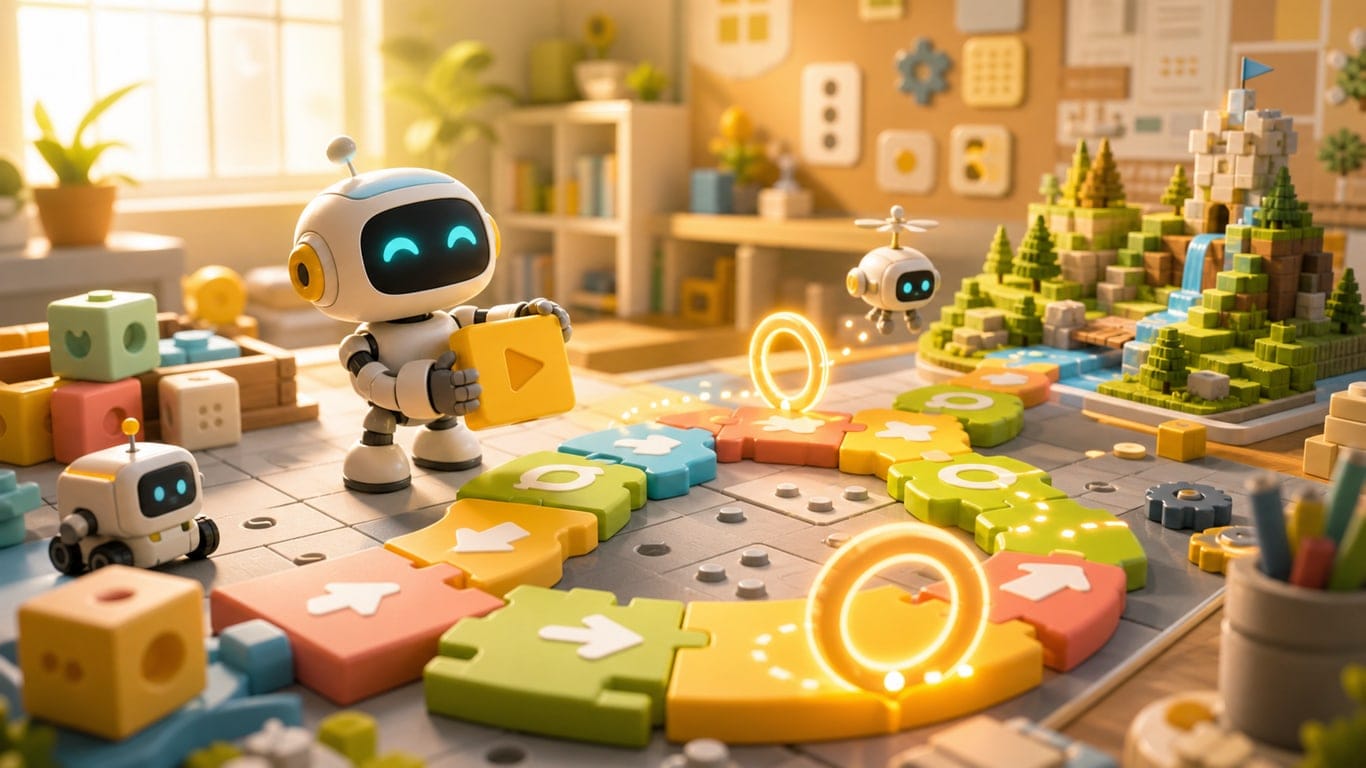
The best coding games for kids do not start with syntax. They start with the mental model: a program is a set of instructions, the computer follows them exactly, and a small change can completely alter the outcome.
## What makes a good coding game for kids
A good beginner coding game should make cause and effect obvious. When a child changes an instruction, the character should move differently, the robot should turn, or the puzzle should fail in a way that can be understood. The goal is not to hide difficulty forever; it is to make the first mistakes readable.
The best games introduce one idea at a time: sequence first, then loops, then conditions, then functions or procedures. They also avoid punishing typing mistakes too early. Syntax matters eventually, but it is not the hard part of programming. The hard part is breaking a goal into steps.
For total beginners, visual games are not a lesser version of coding. They are a clean way to practice computational thinking before spelling, punctuation and language rules get in the way.
## The gentlest starts
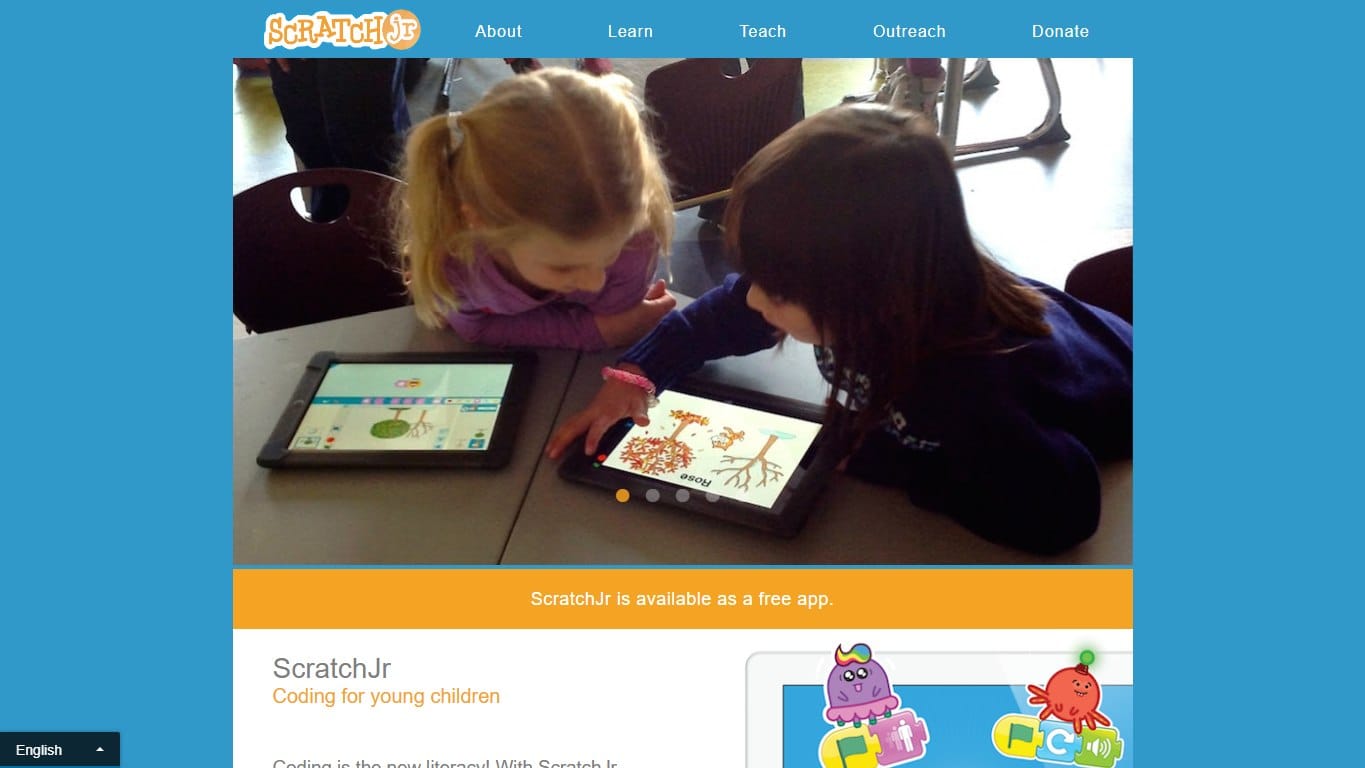
A gentler Scratch-style app for young children, focused on sequencing, characters, pages and playful early coding.
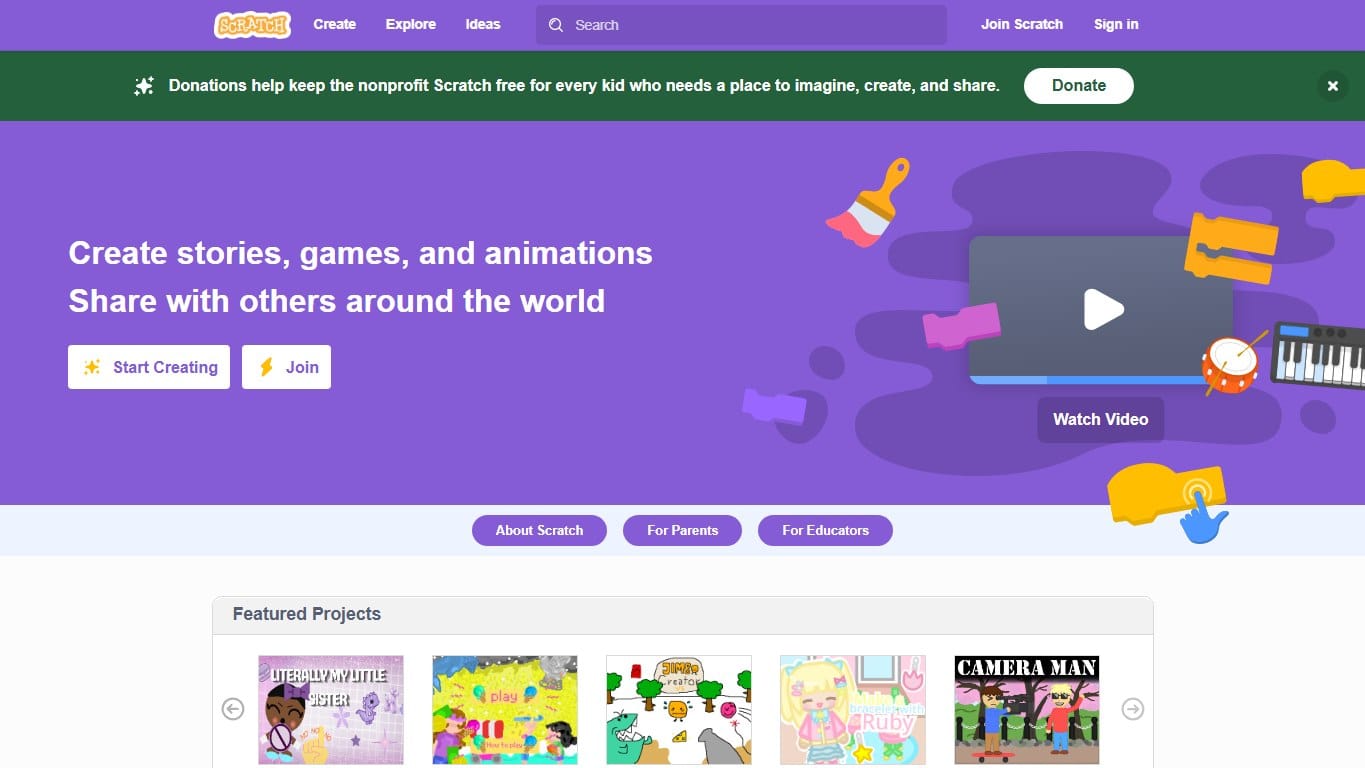
The classic block-based creative coding platform where kids build games, stories and animations by snapping instructions together.
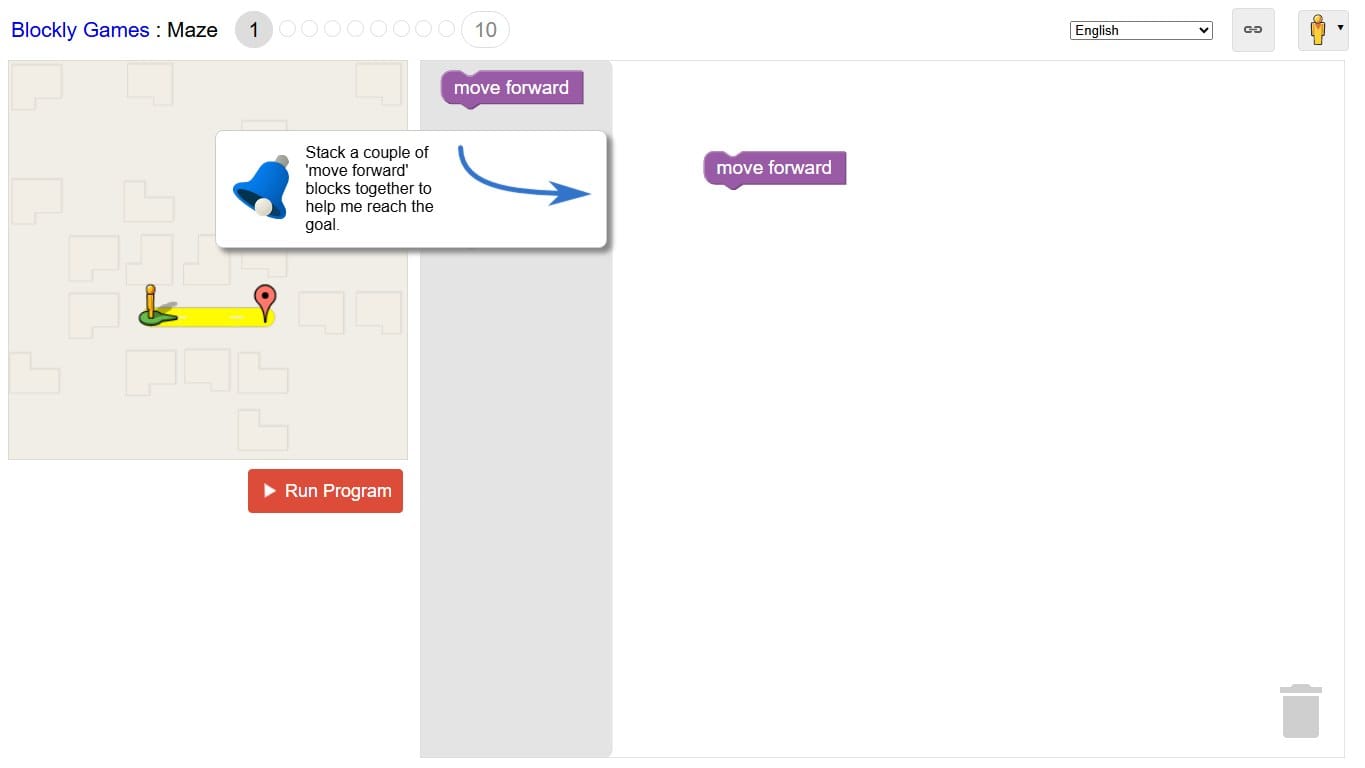
A free set of browser puzzles that introduce programming concepts through blocks before revealing the JavaScript underneath.
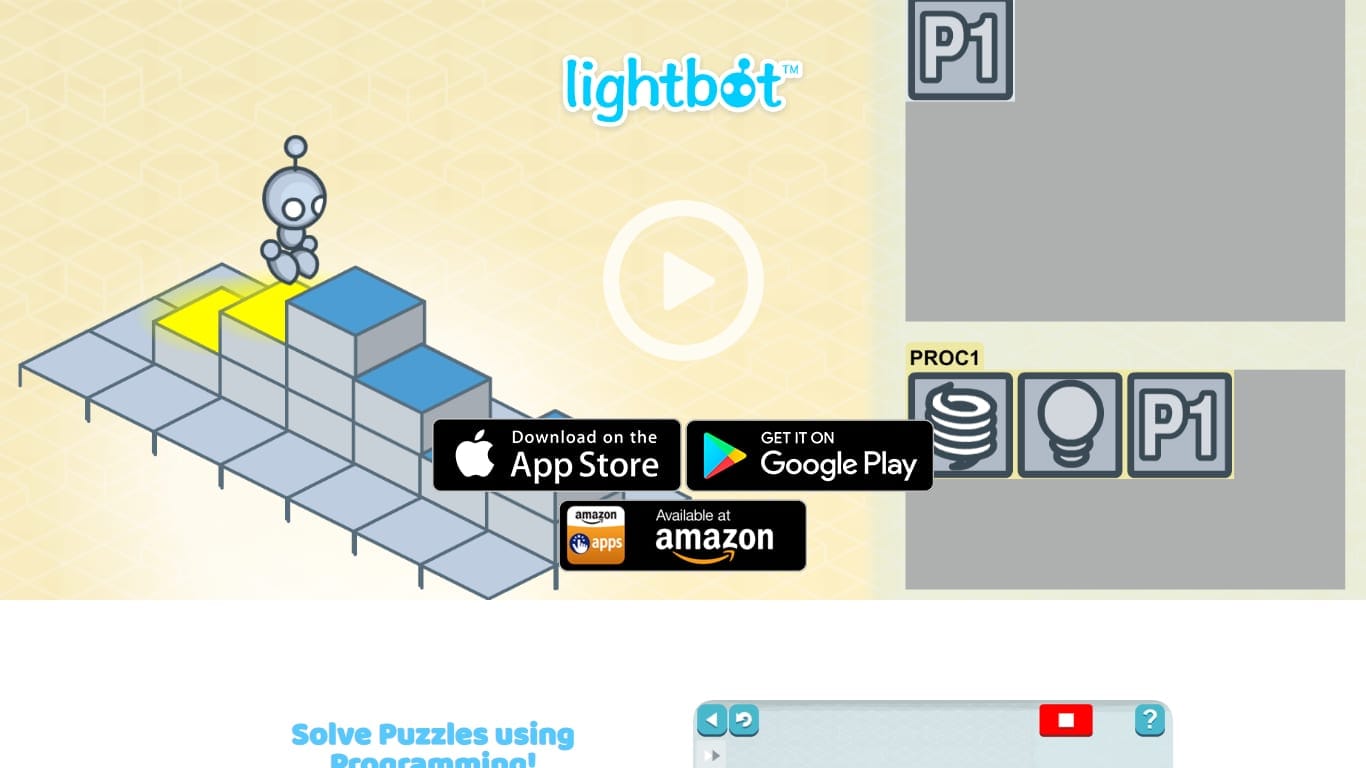
Sequence simple commands and procedures to light up tiles. The friendliest possible introduction to programming logic.
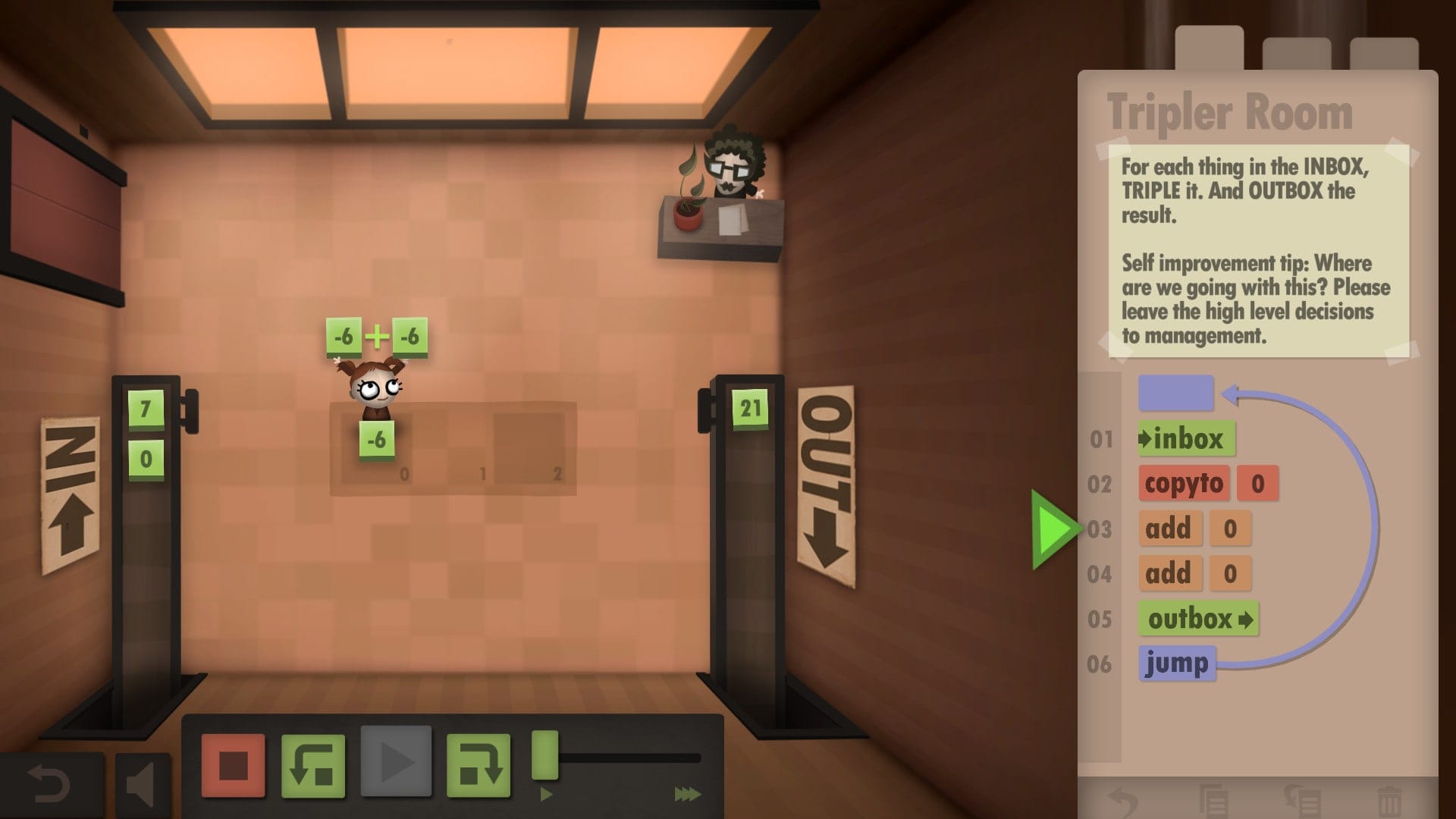
Drag visual instructions to automate your white-collar job. A gentle, beautifully made intro to assembly thinking — no syntax required.
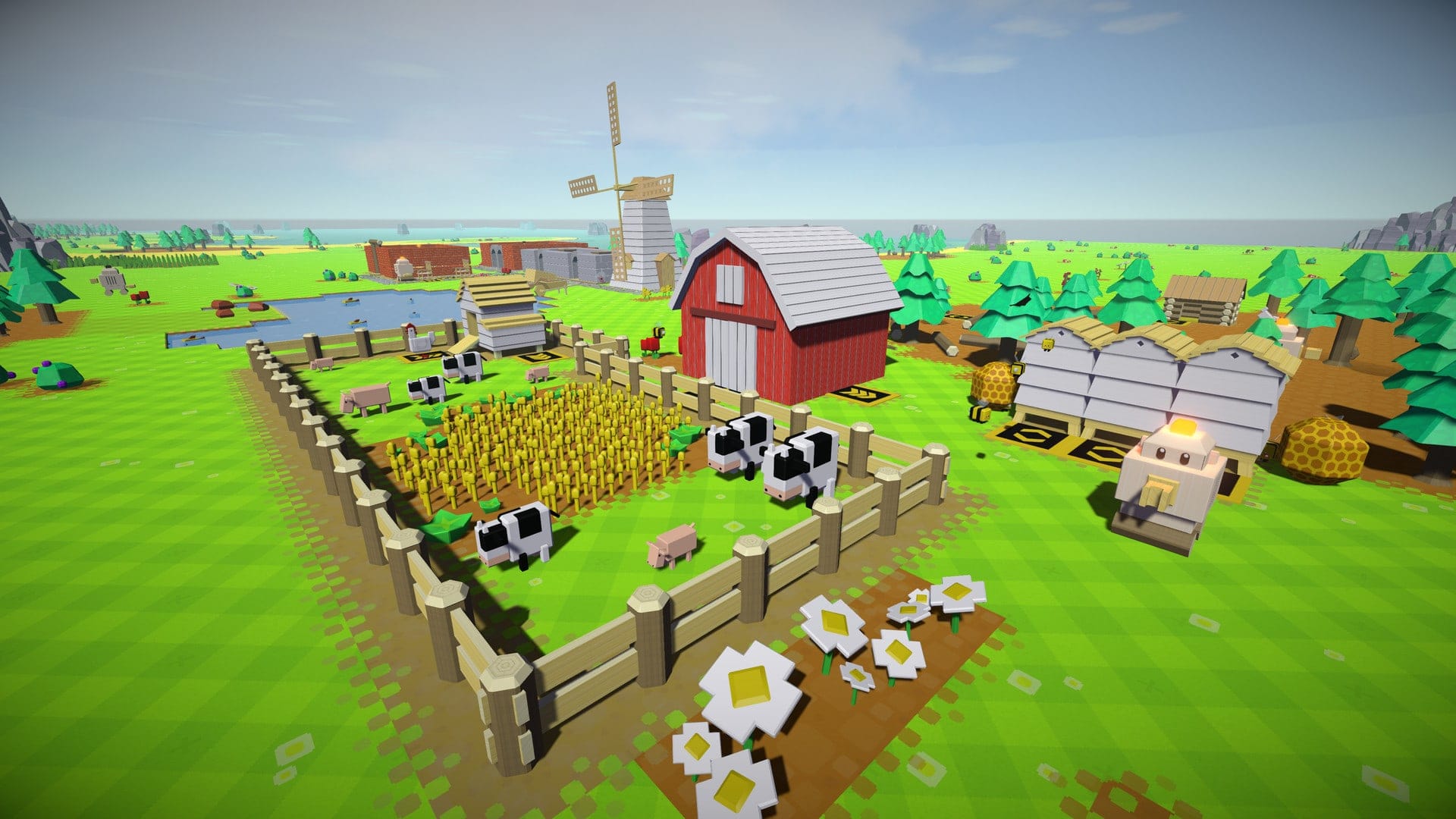
Colonise an empty world by programming wobbly little bots with drag-and-drop scripts until they run everything for you.
ScratchJr and Scratch are the gentlest starts when a child wants to create stories, animations or simple games. Blockly Games and Lightbot are better when the goal is a short, focused puzzle about sequence and procedure. Human Resource Machine is better for older kids or adults because it quietly introduces assembly-style thinking through office-worker instructions.
Autonauts adds a building-and-automation layer once a child understands that repeated steps can be bundled into reusable patterns. The reward is not just solving a level but watching a small system run.
## When to move to typed code
Move to typed code when the child can explain a solution before building it. If they can say “repeat this until the robot reaches the blue tile” or “if there is an enemy, attack, otherwise move,” they are ready to see how those ideas look in Python or JavaScript.
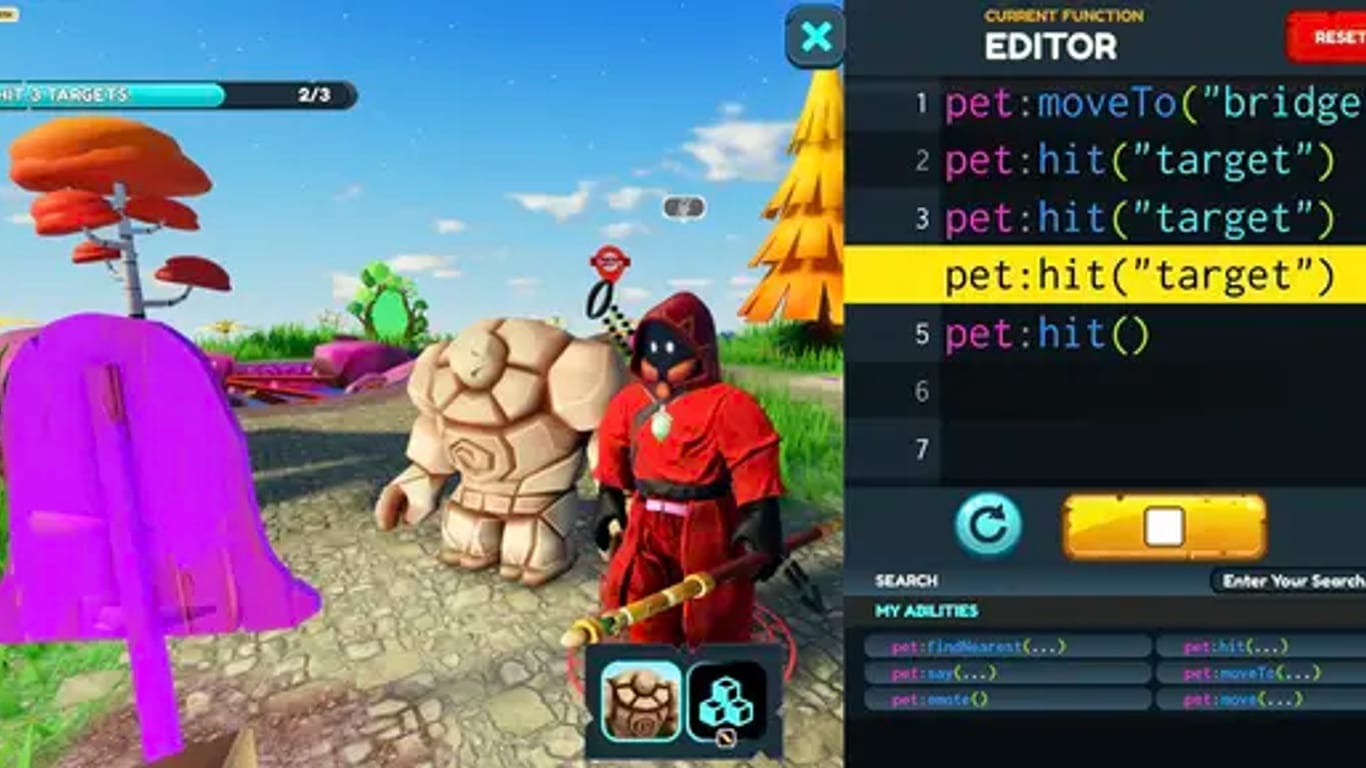
Learn Python or JavaScript by playing a top-down RPG where every move is a line of code you write.
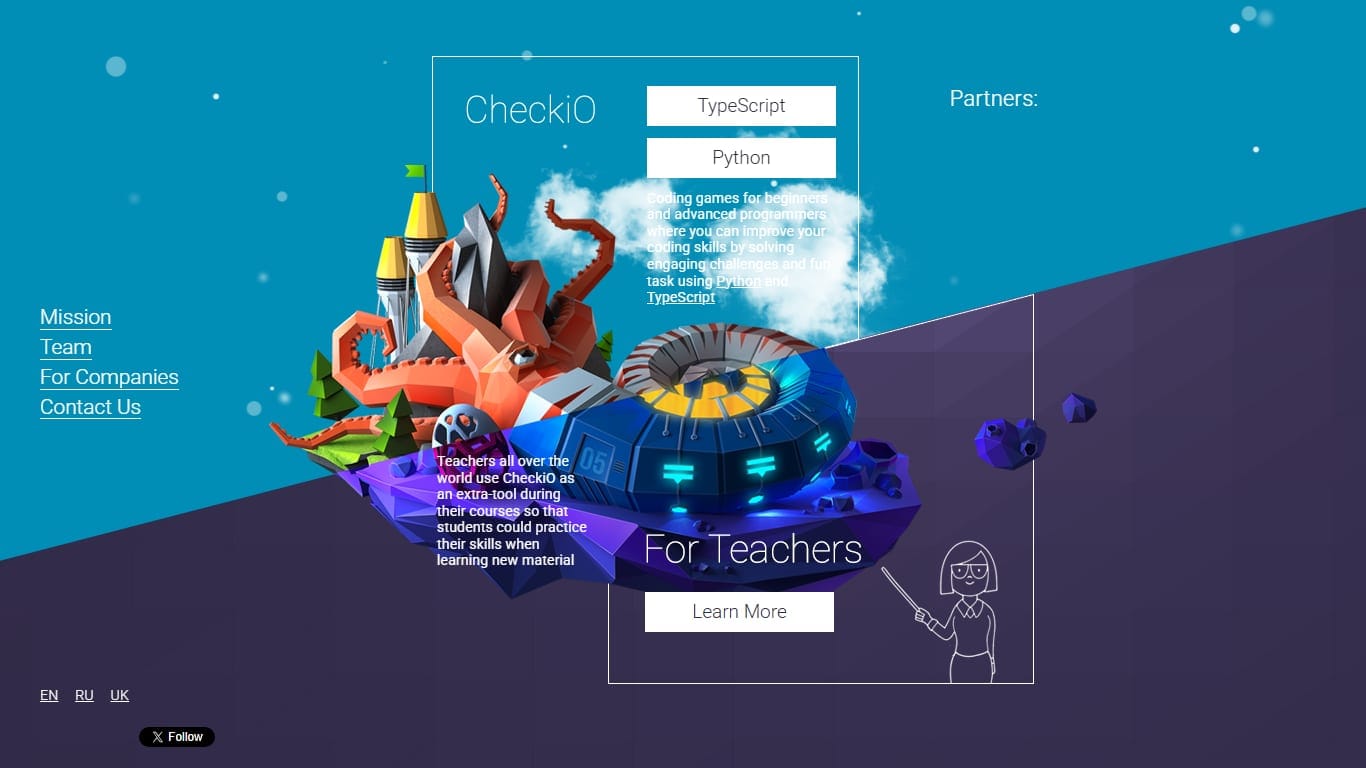
Level up Python and JavaScript by solving puzzles, then read everyone else’s solutions to the same problem. Learn by comparing.
Solve puzzles and fight other players’ bots in real-time arenas. Write in 25+ languages and watch your code play out as an animated game.
CodeCombat is the most natural bridge because it wraps typed code in an adventure. CheckiO is better for puzzle-minded learners who already understand the basics. CodinGame can work for motivated beginners, but it is less childlike and more like a programming challenge platform.
## How adults can help without taking over
The most useful adult role is to ask questions, not solve the level. Ask what the program is trying to do, what happened instead, and which instruction made that happen. This teaches debugging as a normal part of play rather than a sign of failure.
- →Let the child run imperfect solutions and observe the result.
- →Ask them to predict what will happen before pressing play.
- →Celebrate clear thinking, not only completed levels.
- →Keep sessions short enough that frustration does not become the lesson.
- →Do not rush from blocks to syntax before loops and conditions feel natural.
## Good use at home or in a classroom
At home, the best approach is curiosity-led. Let the child choose the theme that pulls them in: robots, farming, fantasy, office workers or puzzles. A game they want to reopen tomorrow will teach more than the “most educational” option they abandon after ten minutes.
In a classroom, shorter levels and visible replay matter more. Teachers need games where students can explain their solution, compare different approaches and reset quickly. Lightbot, Human Resource Machine and CodeCombat work well because they make the reasoning discussable: what repeated, what changed, and what condition made the program branch?
## Age and fit
Younger children usually do best with Lightbot-style movement puzzles because the goal is concrete and the screen is not crowded. Older children can handle Human Resource Machine, Autonauts and CodeCombat because they can hold more rules in working memory. Teenagers who already like puzzles may jump quickly into CheckiO, CodinGame or even beginner-friendly automation games.
Interest matters more than age. A child who loves farms may learn more from Autonauts than from a traditional coding lesson. A child who likes fantasy may stick with CodeCombat. A child who likes logic puzzles may prefer Human Resource Machine.
## Final recommendation
Start with Lightbot for the absolute basics, Human Resource Machine for visual logic with depth, and Autonauts for playful automation. Move to CodeCombat when typed code becomes exciting rather than intimidating. Use CheckiO and CodinGame later, when the learner wants more challenge and less hand-holding.
The right coding game should leave a beginner with one powerful belief: computers are literal, but they are not magic. If you can describe the steps clearly enough, you can make something happen.