Snap instructions together to build games, stories and animations. The safest first step for kids, classrooms and visual learners. This page focuses on games where Blocks is part of the actual play loop: you write scripts, solve puzzles, control bots or build systems instead of only reading a lesson.
Start with Scratch, Microsoft MakeCode Arcade and Snap! if you want game creation and learning. The mix currently leans beginner and intermediate, so use the ratings and difficulty labels to choose a first game that matches your comfort level.
For learners, the useful question is not just “does this game support Blocks?” It is whether the game gives feedback you can reason about: a bot decision, a failing puzzle, a resource loop, a layout rule or a simulation that exposes what your code did wrong.
We keep the list narrow on purpose. If a game only mentions Blocks in a side feature, it belongs in the full catalog, not here. The goal is to help you find practice where the language matters to the core loop, with enough context to compare options before opening each review.
Below are the 6 Blocks programming games we track, ranked by rating. Browse the full catalog →
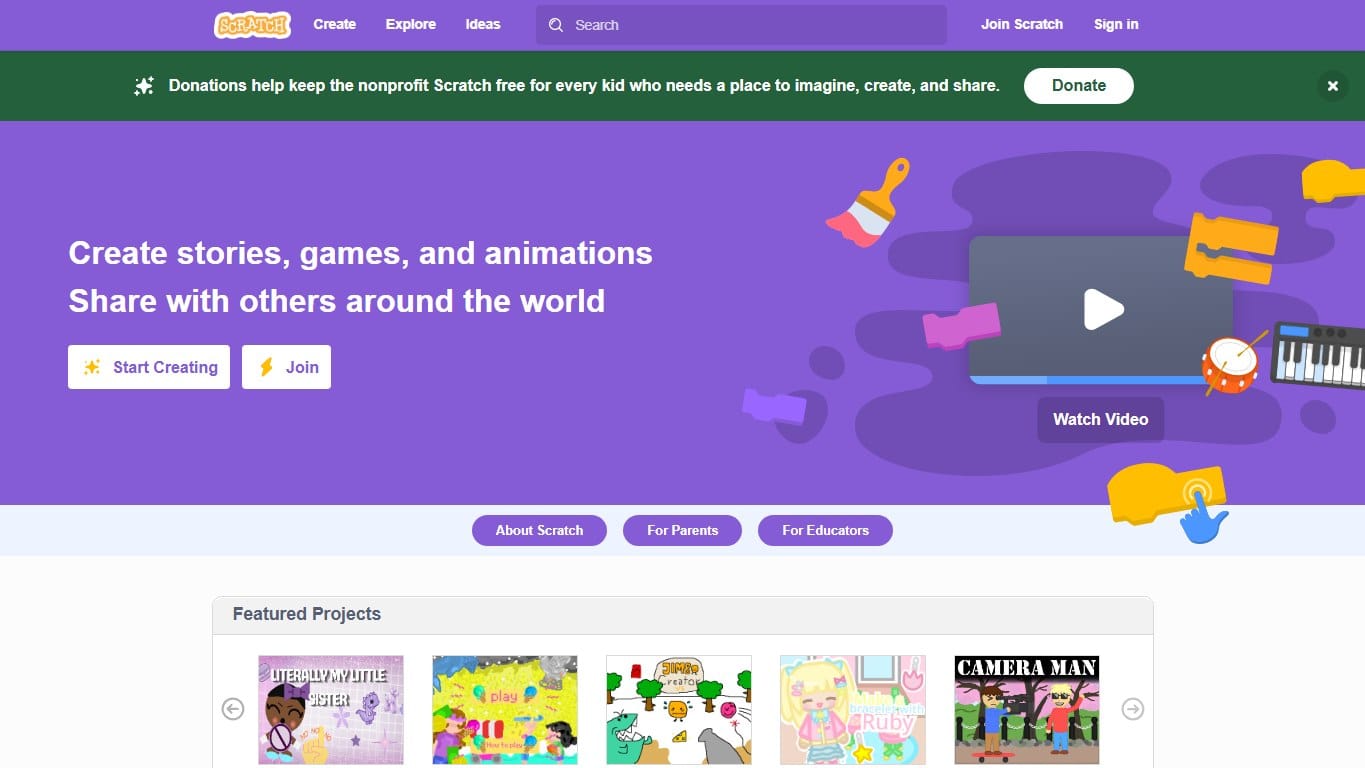
Scratch
OnlineFreeest. 2007★4.8 (5400)The classic block-based creative coding platform where kids build games, stories and animations by snapping instructions together.
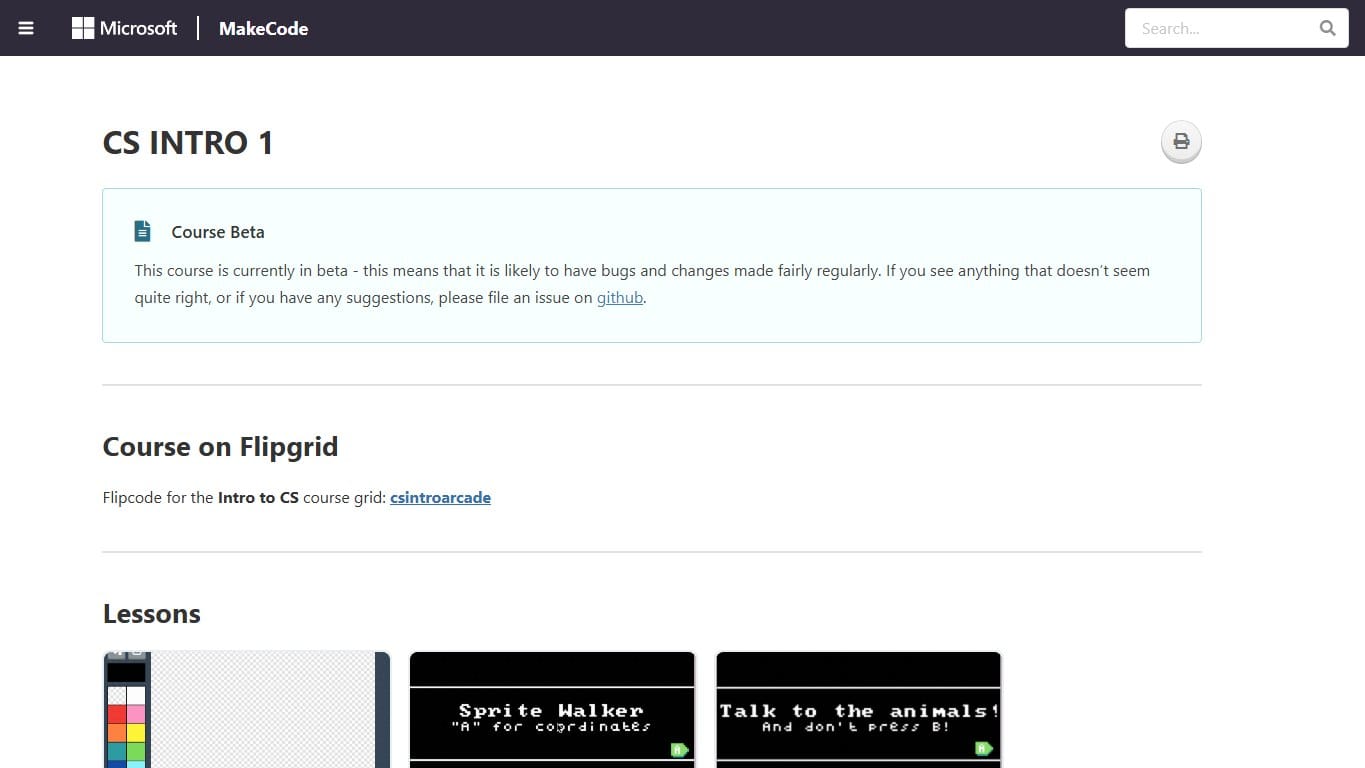
Microsoft MakeCode Arcade
OnlineFreeest. 2019★4.5 (640)Build retro arcade games with blocks or JavaScript, then play them in the browser or on tiny handheld hardware.
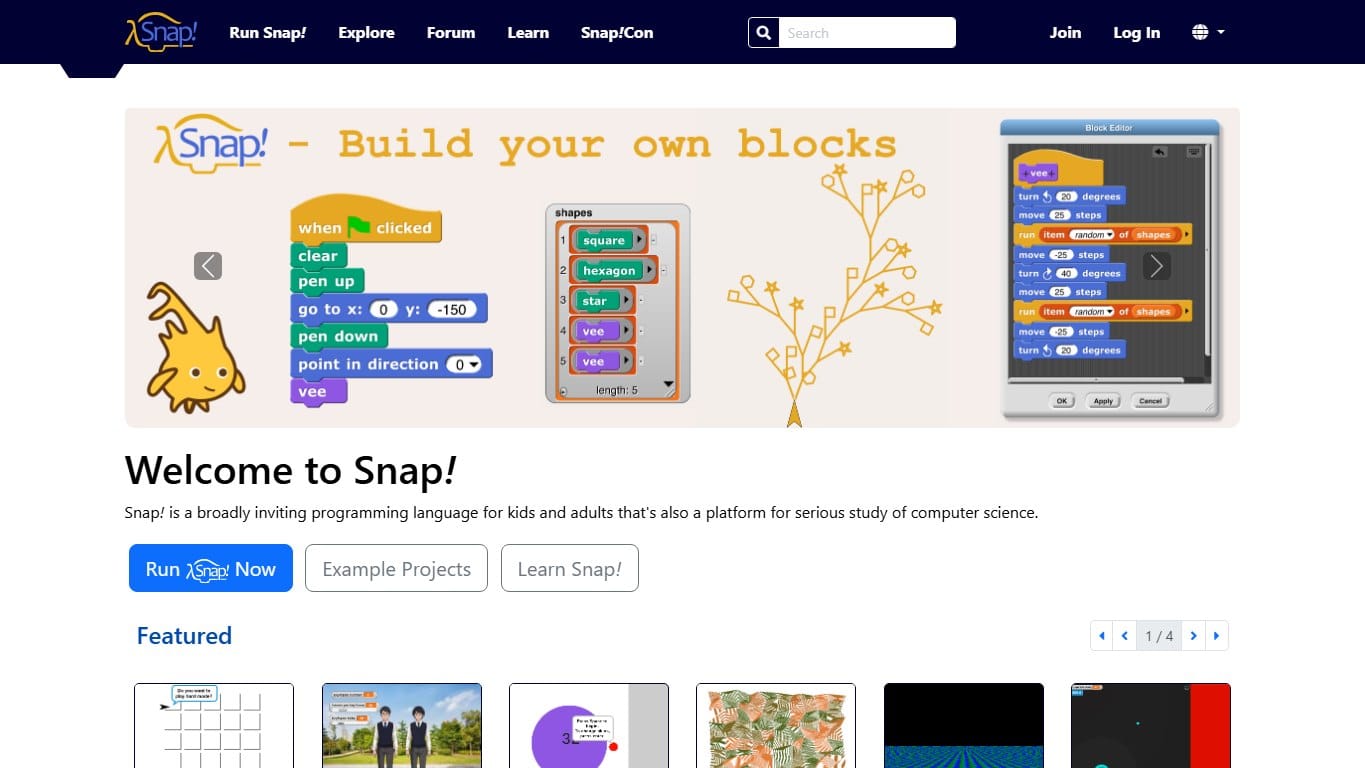
Snap!
OnlineFreeest. 2011★4.5 (310)A Scratch-like block language with a higher ceiling: custom blocks, lists, first-class procedures and serious CS ideas.
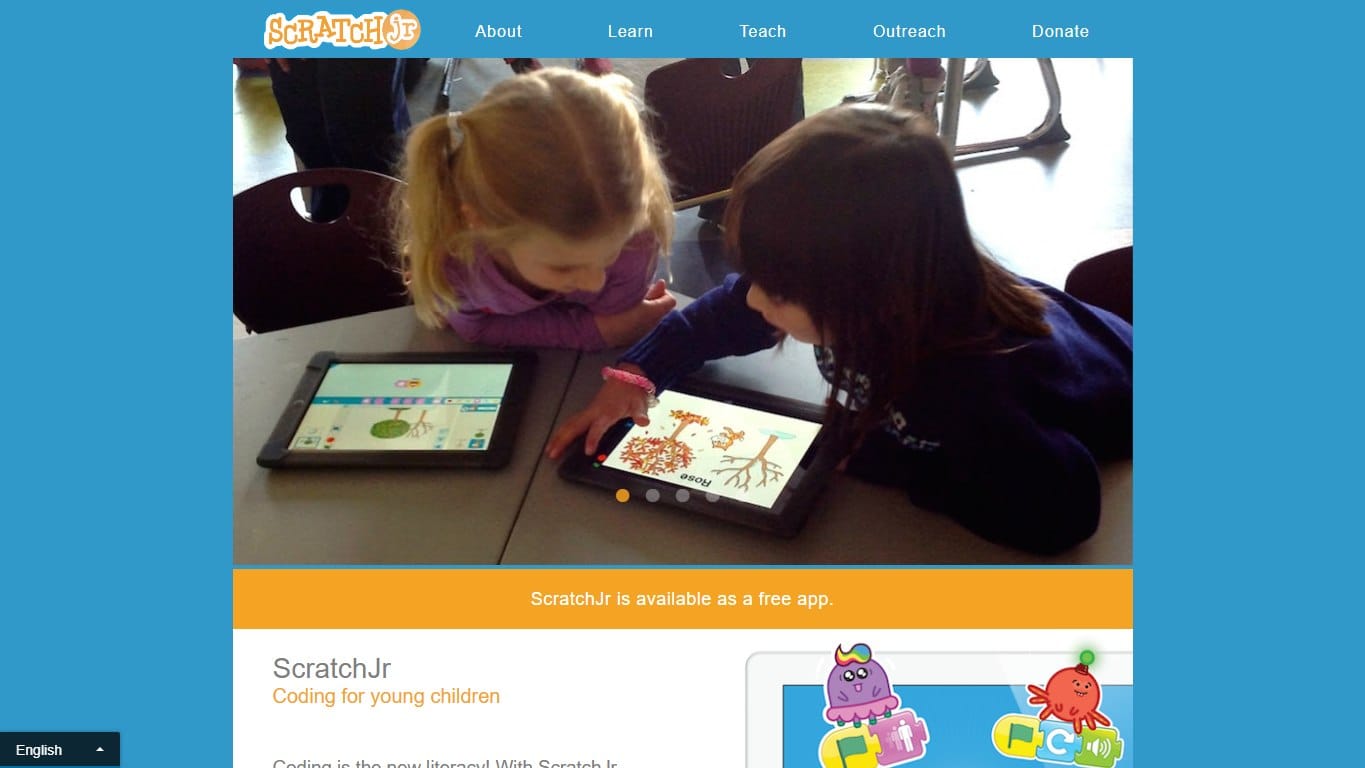
ScratchJr
OfflineFreeest. 2014★4.4 (980)A gentler Scratch-style app for young children, focused on sequencing, characters, pages and playful early coding.
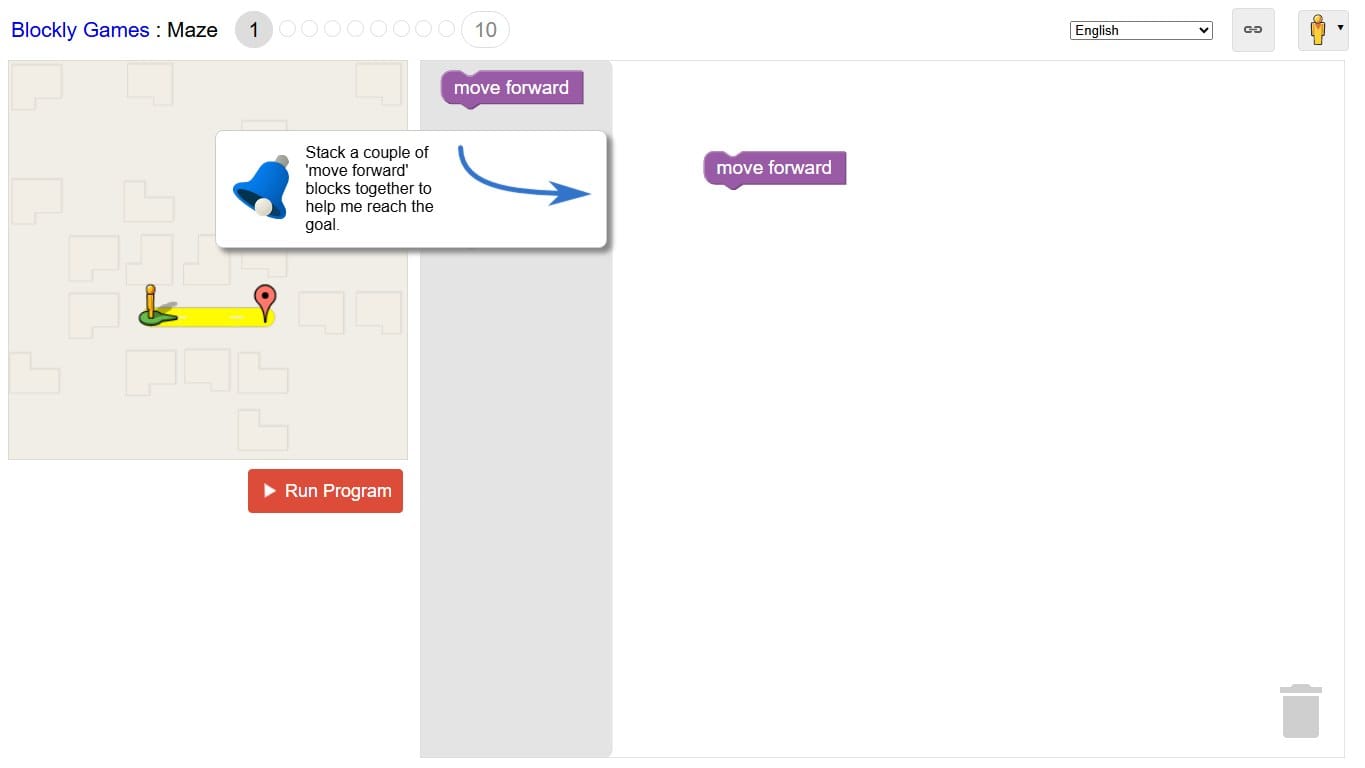
Blockly Games
OnlineFreeest. 2014★4.4 (760)A free set of browser puzzles that introduce programming concepts through blocks before revealing the JavaScript underneath.
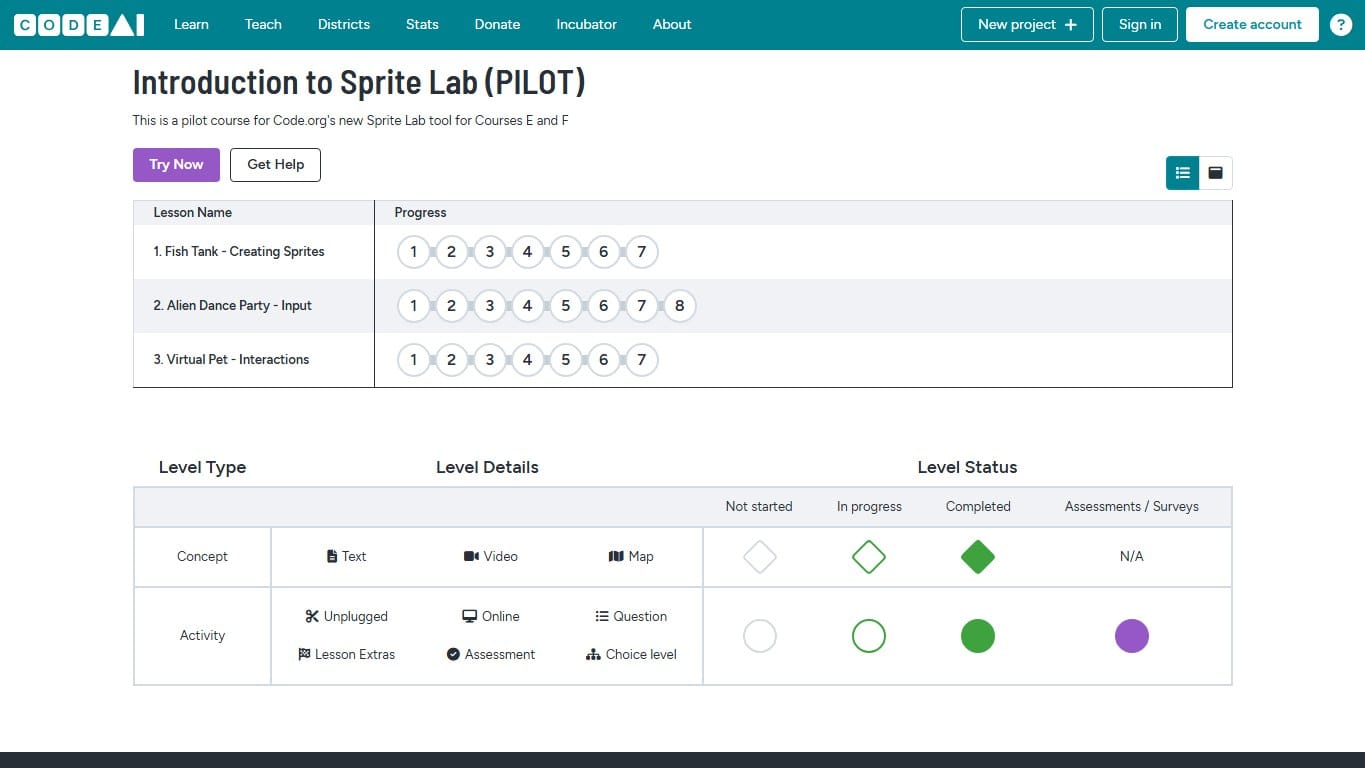
Code.org Sprite Lab
OnlineFreeest. 2018★4.3 (820)A beginner-friendly Code.org lab for creating sprite scenes, animations and simple interactive games with blocks.